20
Step 4
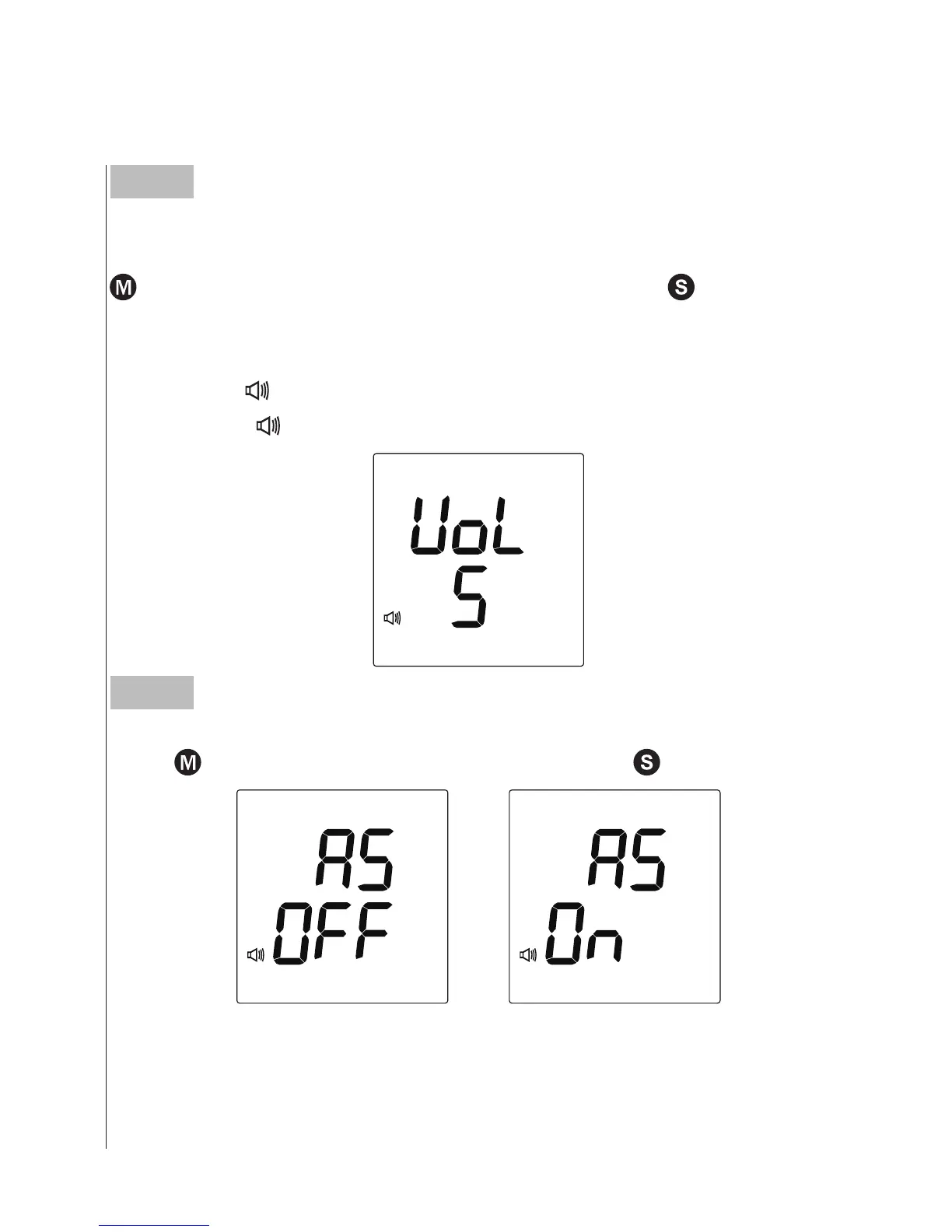
Setting the speaking volume
There are seven (7) speaking volume options to let you choose. Press
until the desired speaking volume appears. Press
.
Volume 0 indicates that the speaking function is turned off, and will
not display
“
”
. Volume 1 to 7 indicates speaking volume from low
to high, and
“
”
will be displayed during testing.
This function is referring to the GPRS service. If
“
On
”
is selected, your
result will be transmitted right after the test.
Step 5
Setting the auto-send
Press
to select the auto-send On or OFF. Press
.



 To Next Page