21
Step 6
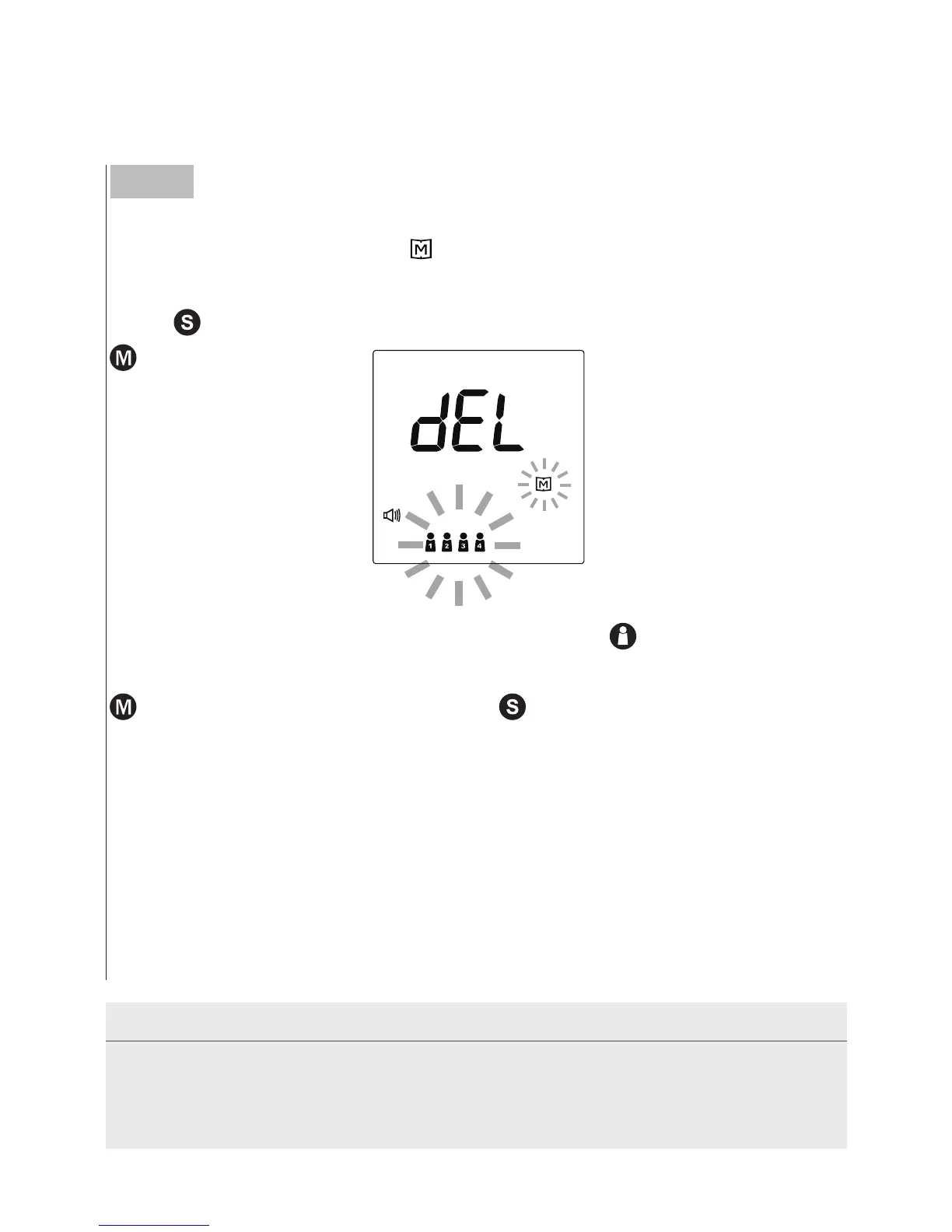
Deleting the memory
While
“
dEL
”
and a flashing
“
”
symbol appear on the display along
with user numbers, if you do not wish to delete the saved results,
press
to skip this step. If you wish to delete ALL the results, press
twice.
If you wish to delete memory individually, press
to select the user
number. To delete all the results of the desired user number, press
twice. To keep the memory, press
to skip this step.
The monitor repeats all settings before shutdown.
Congratulations! You have completed all settings!
NOTE
• These parameters can ONLY be changed in the setting mode.
• If the monitor is idle for 3 minutes during the setting mode, it will turn off
automatically.



 To Next Page