34
Step 2
Select the appropriate measuring mode by pressing
.
For selecting the measurement mode, please refer to the FOUR MEA-
SURING MODES section on page 23.
Step 3
Obtaining a blood sample
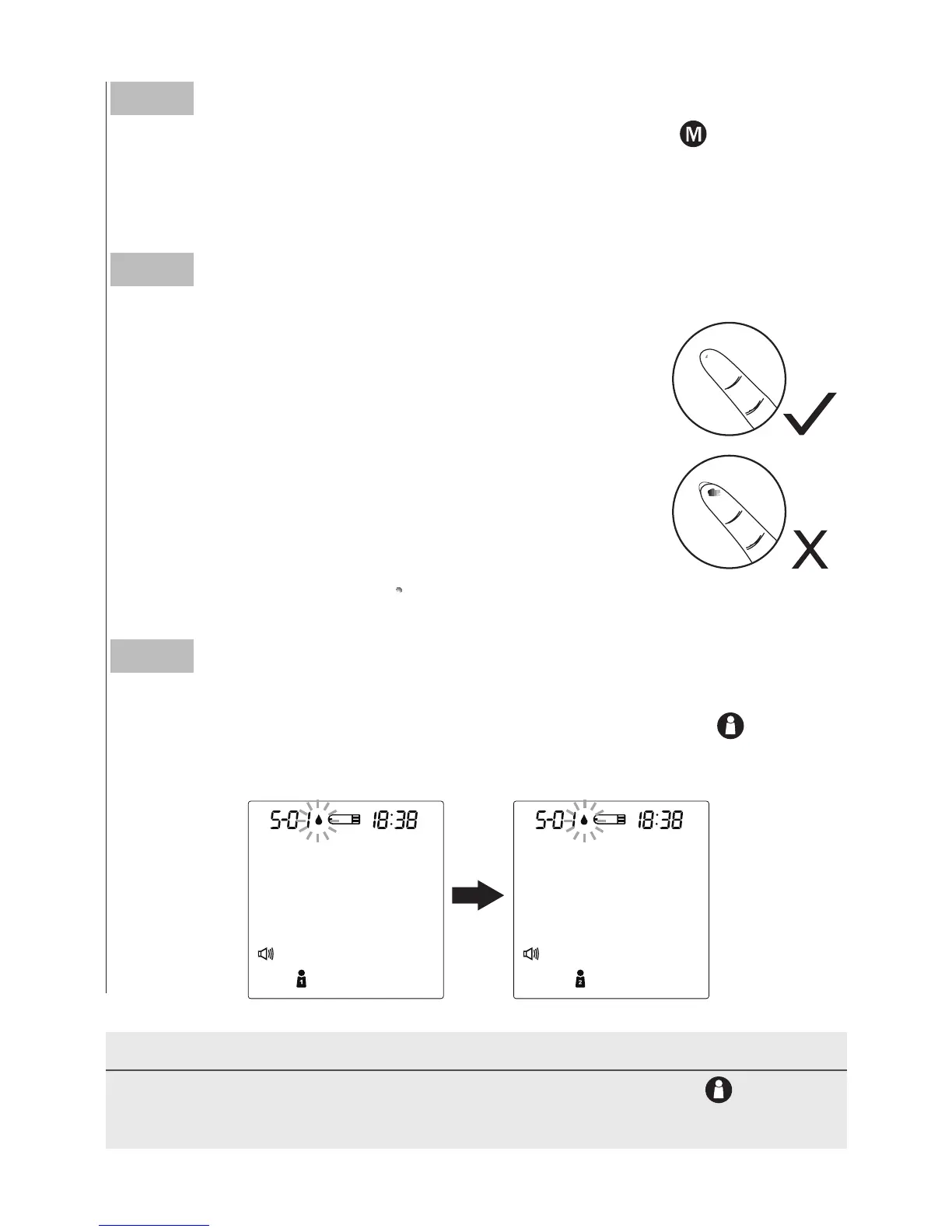
Use the pre-set lancing device to puncture your de-
sired site. After penetration, discard the first drop of
blood with a clean tissue or cotton. Gently squeeze
the punctured area to obtain another drop of blood.
Be careful NOT to smear the blood sample.
The volume of blood sample must be at least 0.5
microliter (
μ
L) of volume. ( actual size).
Step 4
Select the User Number
After the test strip is fully inserted into the test slot, press
to select
the user number (1 to 4) whose test reading will be stored in its
memory.
NOTE
• You can also select the user number in advance by pressing
. Please
refer to page 22 for detailed information about your user number selection.



 To Next Page