64
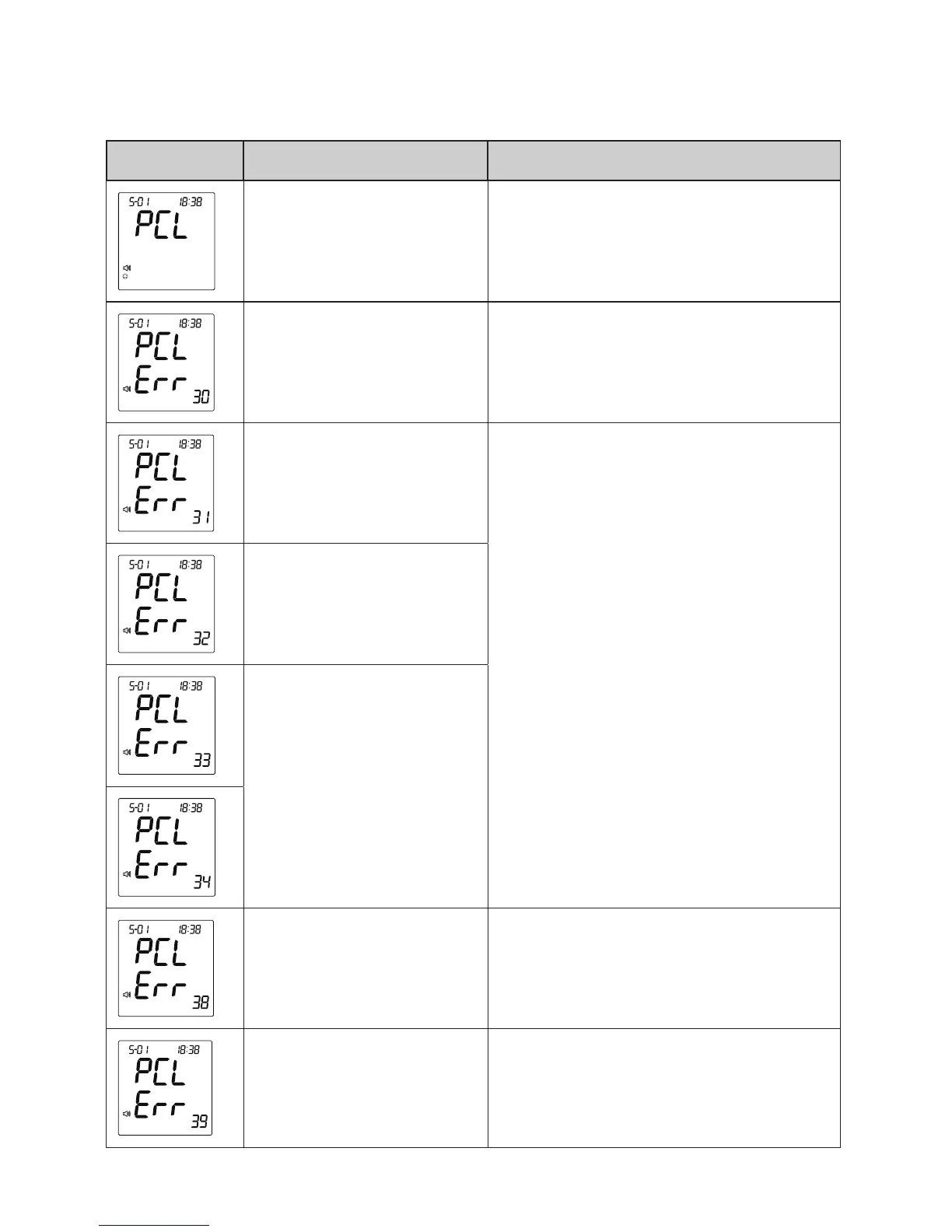
MESSAGE CAUSE WHAT TO DO
No SIM card inserted.
Insert your SIM card and place it
correctly before transmitting data.
Unable to connect to
the service
Please start over and try again.
Incorrect PIN number
of SIM card
Check if the entered PIN number
of your SIM card is correct and
try again. Reset the PIN number
if necessary. If problem persists,
please contact the customer
service for assistance.
Incorrect PIN 2 num-
ber of SIM card
Locked SIM card
Unnished registration
Complete the registration. Try
again after you have successfully
registered.
Problem of reading
SIM card
Check if the SIM card is correctly
placed and try again. If problem
persists, please contact the cus-
tomer service for assistance.
Error Messages of D40g GPRS Transmission



 To Next Page