A1-36
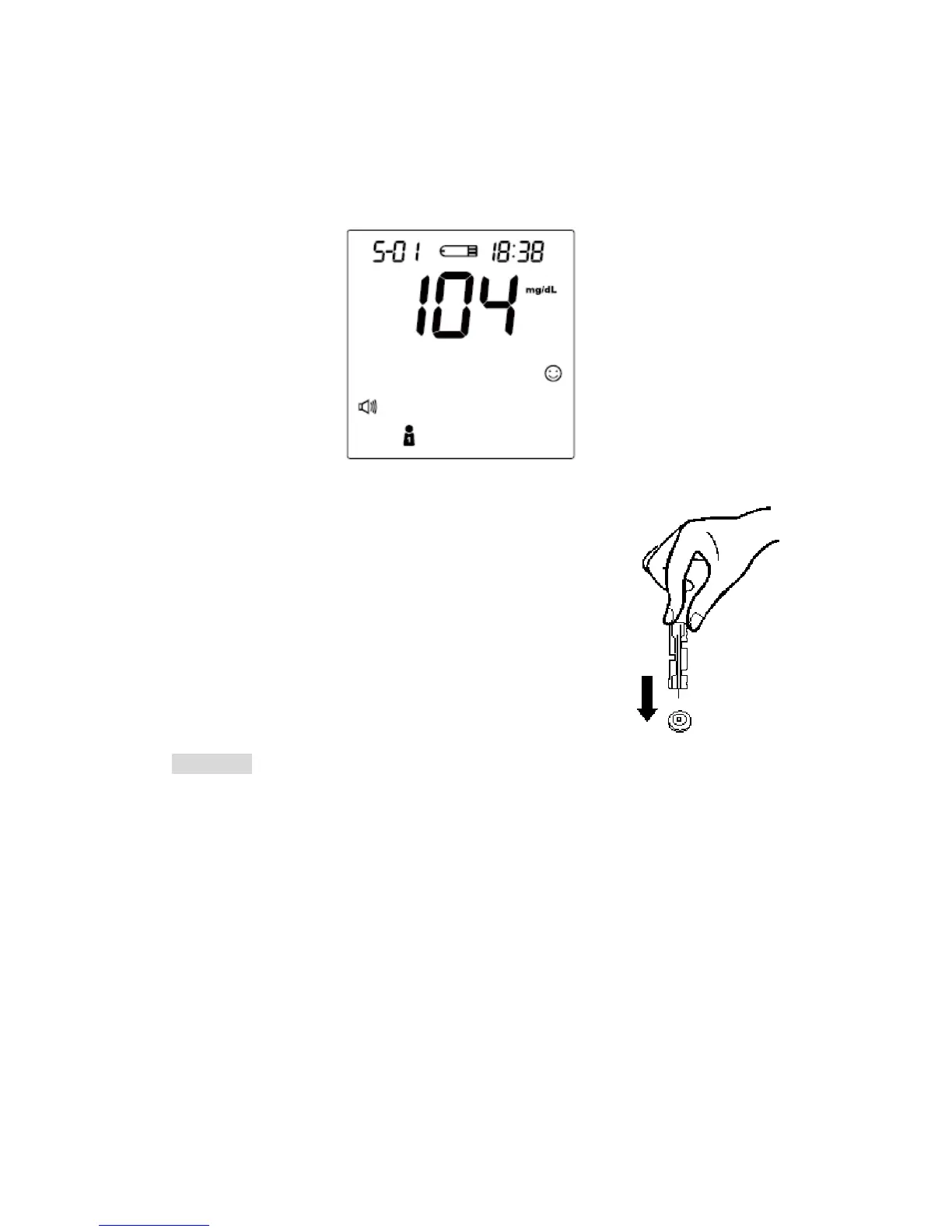
STEP 6. Obtain an Accurate Result in 5 Seconds
Read the test result after 5 seconds. The test result will be automatically stored
in the monitor memory. Turn the monitor off by removing the test strip.
STEP 7. Discard the Used Lancet
Remove the lancing device cap and the lancet. Place
the disk on a hard surface and push the exposed needle
tip into the protective disk. Always use caution when
removing the lancet.
CAUTION
If you do not apply blood sample within 3 minutes, or if you accidentally turn
off the monitor by pressing the On/Off button, the monitor will alert you with
flashing test strip symbol and continuous beeping. You will need to turn the
monitor off by removing the test strip.
To start a blood pressure test after performing a blood glucose test, make
sure that the test strip is removed from the monitor. Then turn the monitor off
and refer to "BLOOD PRESSURE MEASUREMENT".
36



 To Next Page