A1-35
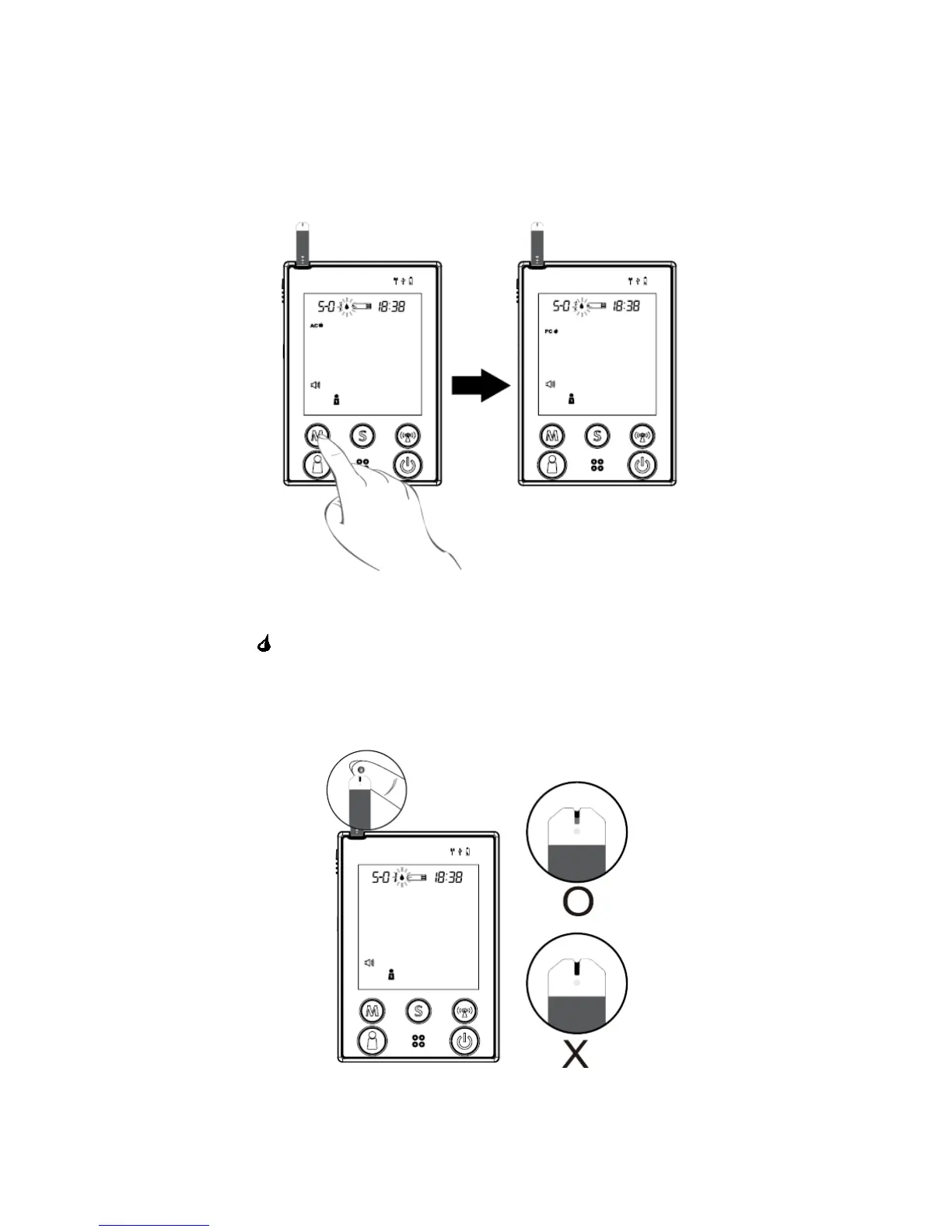
STEP 4. Select AC/PC
Press M button to select AC/PC mode, or just perform a general test. Select
“AC” if performing a blood glucose test before meal, or “PC” for performing a
test after meal.
STEP 5. Apply Blood into the Test Strip
When the “ “ symbol is flashing on the LCD display, apply a drop of blood to
the absorbent hole of the test strip. Do not push your finger against the test
strip or try to apply a smeared sample.
35



 To Next Page