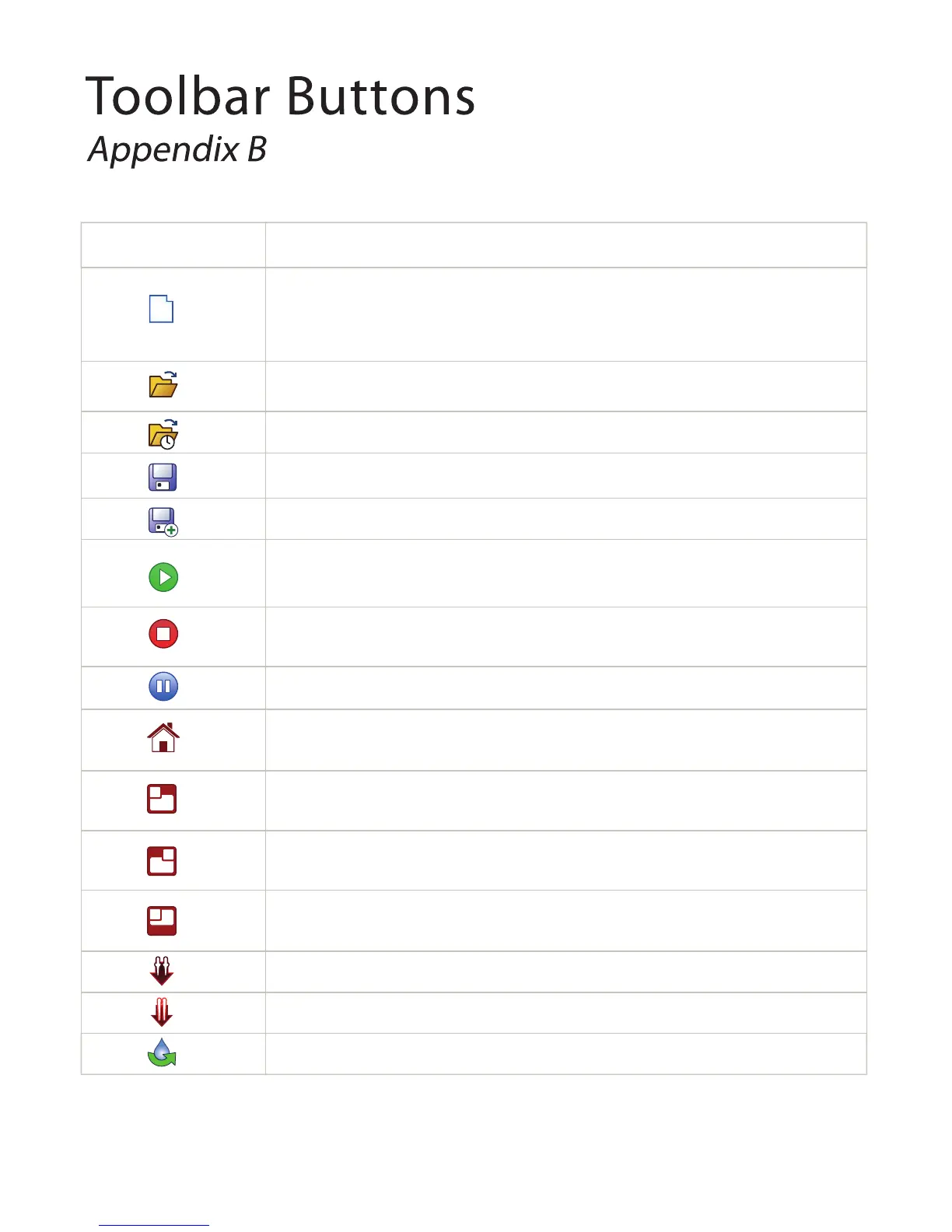
Button Action
Creates a new task list.
Note: When you create a new task list, any existing task list(s) and current workspace in the
Task List table will be removed and reset.
Opens an existing task list.
Opens recently used task list.
Saves changes made to your task list.
Saves changes made in your task list as an extension *XML file.
Runs the task list. This option displays only if you have added Task List to the Task List table or
paused the running sequence.
Aborts the running sequence. This option displays only when the system is executing a task list.
Pauses the running sequences. This option displays only if the system is executing a task list.
Sends the device arm to its default (home) position and fixes its position when the motor is
skidded or skipped.
Moves the NT8's head to the waste station, so that you can load and unload plates and tip
caddies and otherwise interact with components on the rights side of the stage
Moves the NT8 head to HV tip caddy so that you can interact with the protein block or other
components on the left side of the stage.
Moves the stage back into the NT8's body so that you can slide an HV tip caddy into the HV
tip caddy station.
Ejects the attached low volume (LV) tips.
Ejects the attached high volume (HV) tips.
Starts and stops the priming process.
H
H
H



 To Next Page