NT8 User's Guide | Chapter 8: Software Overview
● Volume: Set the liquid volume to be aspirated or dispensed by typing a new
value into the corresponding field, or clicking the up and down-arrows to
increase and decrease the volume.
● Add: Enables you to add the specified settings to the Task List and close the Task
Details dialog.
● Add More: Enables you to add the specified settings and add more commands
as needed to the Task List.
● Close: Exits the Task Details dialog.
Next to the Experiment Designer tab is the Rock Maker Integration tab. This tab is only enabled
if you use Rock Maker as your LIMS. Here is where you can import and run an experiment as
defined in Rock Maker.
For further information on how to create an experiment in Rock Maker, please see the
"Experiment Design" section of the Rock Maker help file.
The Basics
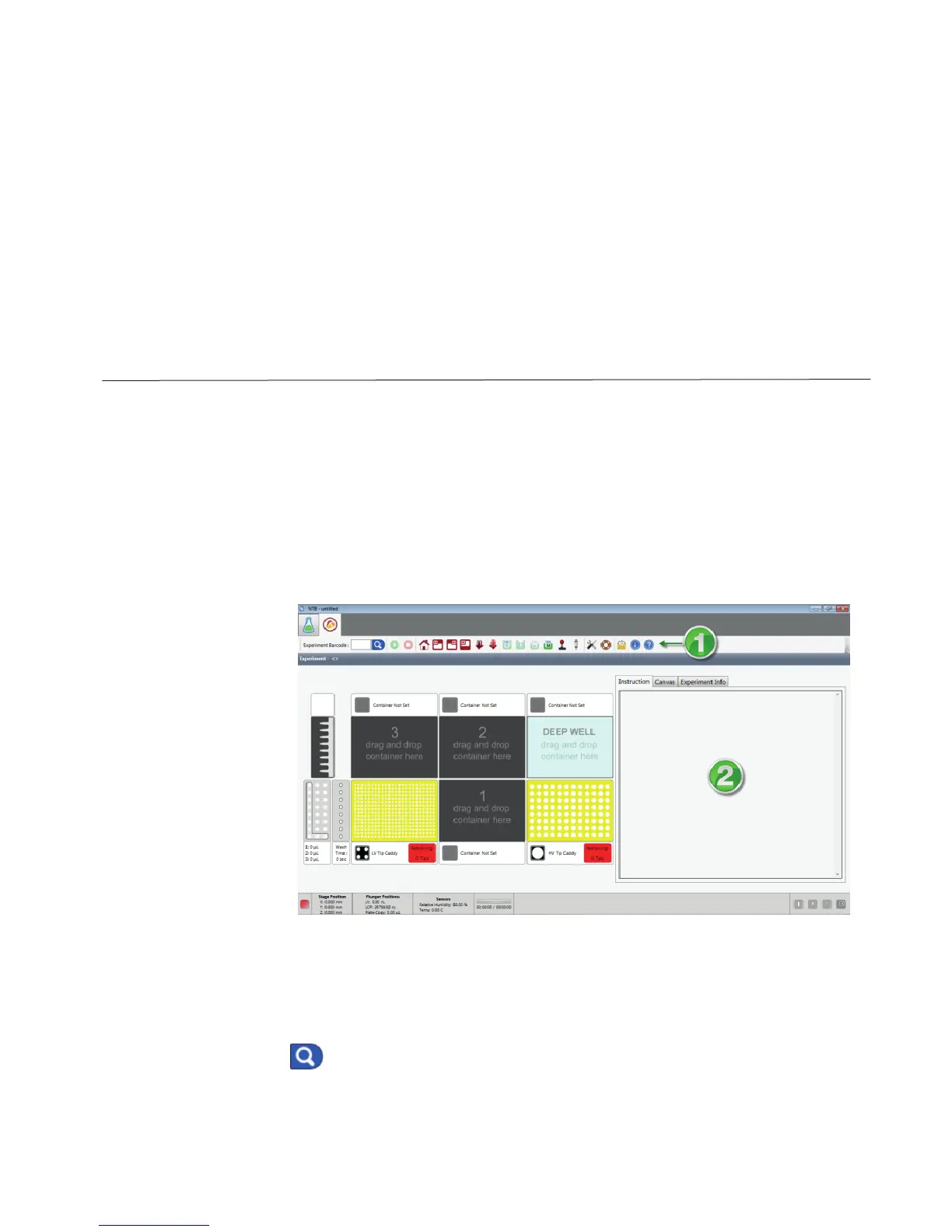
The Rock Maker Integration tab consists of two parts:
1 – Toolbar
The Rock Maker Integration Tab
Enter your experiment barcode number as defined in Rock Maker and click the
Search button to load the experiment into NT8.



 To Next Page