NT8 User's Guide | Chapter 8: Software Overview
2 – Experiment Properties Panel
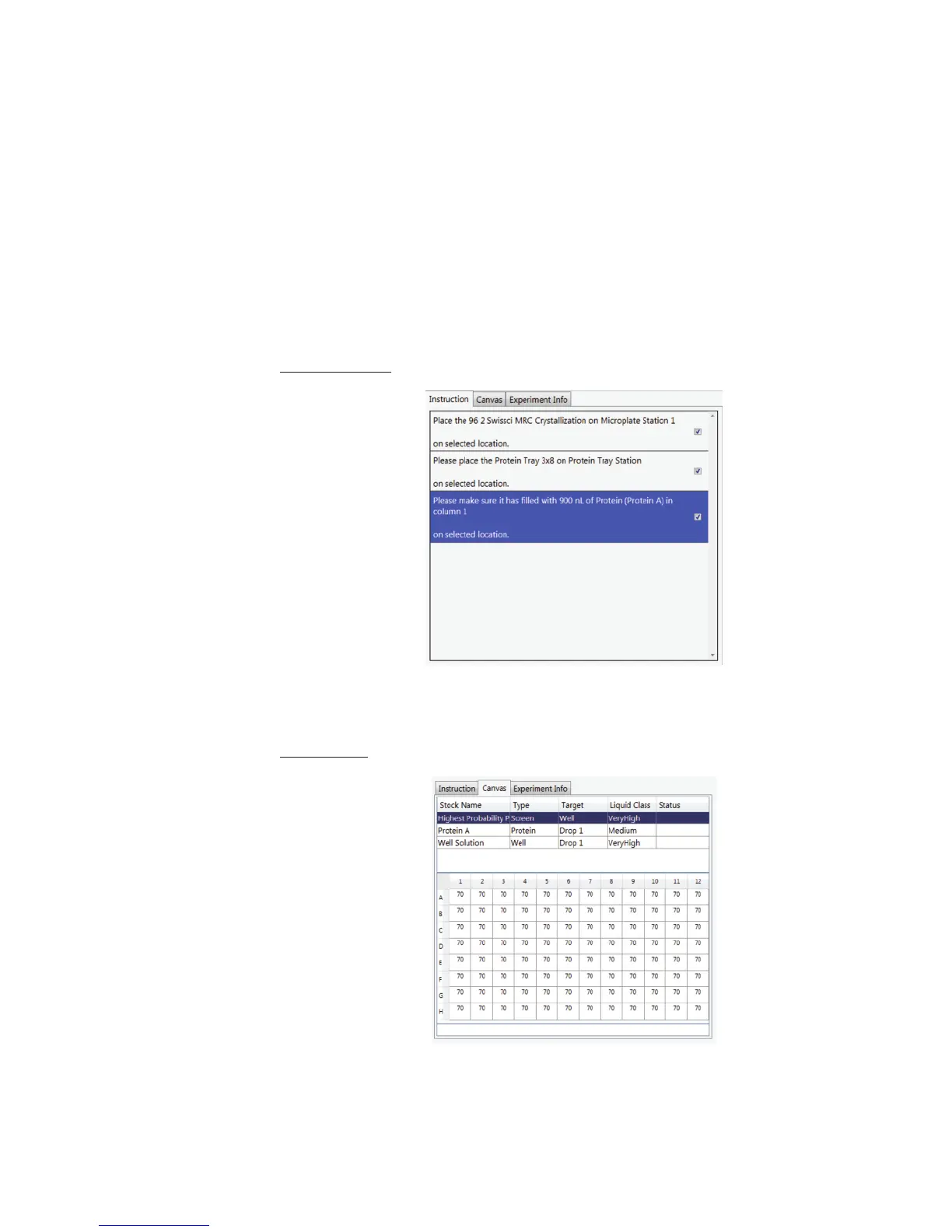
Shows the detailed experiment properties as defined in Rock Maker. There are three different
tabs in experiment properties: Instruction tab, Canvas tab, and Experiment Info tab. The
experiment properties display after the experiment's barcode is validated. The next section
explains this area in detail.
Rock Maker Experiment Properties Panel
Rock Maker experiment information appears after your experiment barcode is validated. The
Rock Maker Experiment Properties Panel then has three different tabs:
(A) Instruction tab
Instruction tab shows the detailed and required instructions that should be conducted to
execute the experiments.
(B) Canvas tab



 To Next Page