SD Mode, the bandwidth is very narrow, and bit rate is large, that will lead to video can not
play well. The HD Model is a value between FHD Mode and SD Mode.
Bit Rate: Generally speaking, the larger the bit rate is, the clearer video will become. But
the bit rate configuration should combine well with the network bandwidth. When the
bandwidth is very narrow, and bit rate is large, that will lead to video can not play well.
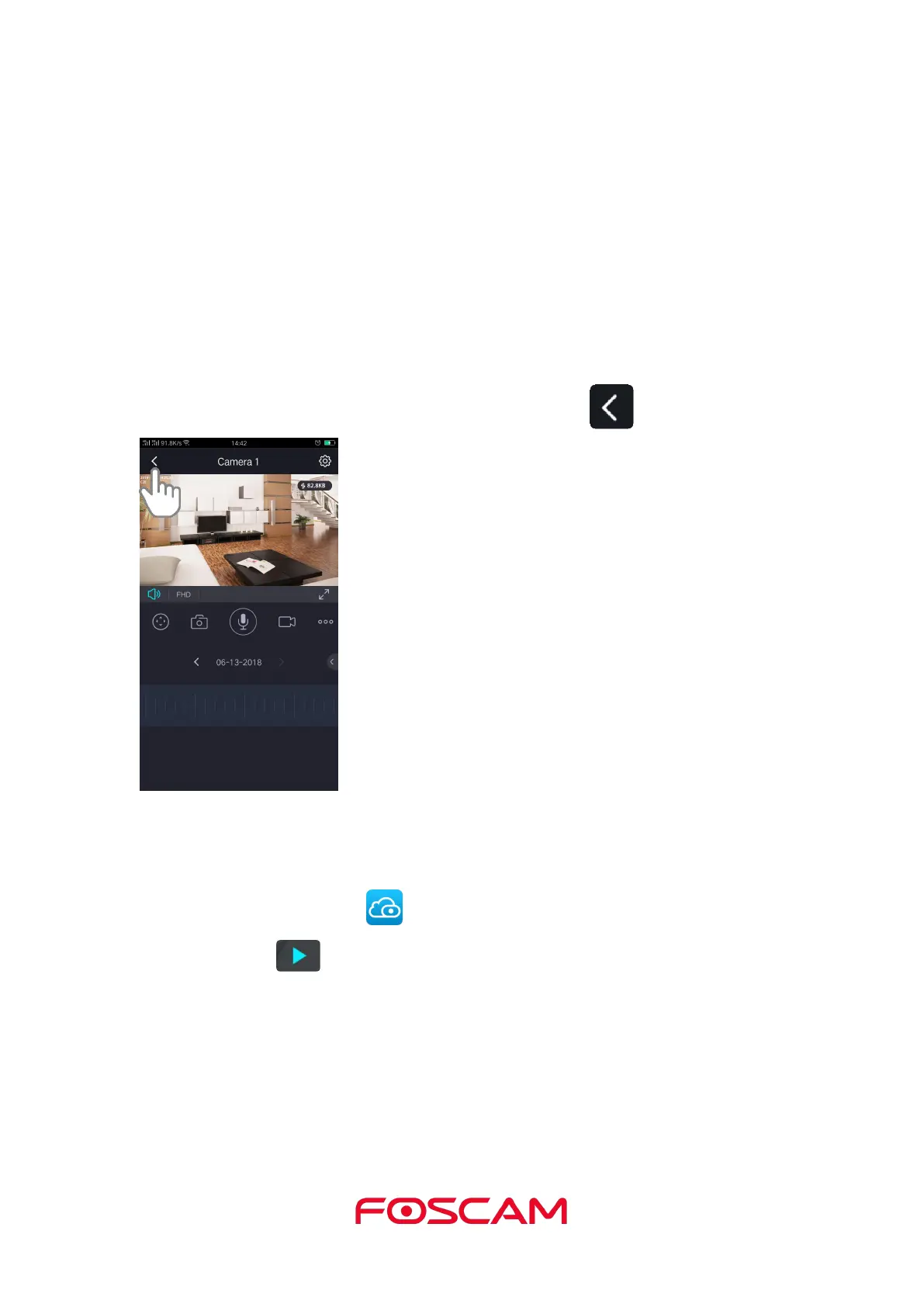
On this screen, you can listen to a live stream, record clips, take a snapshot, activate
two-way talk or full screen.
If you want to catch the smaller details, pinch and drag any image as you do with photos
on your smartphone.
4. To stop viewing and listening to the live feed, tap the Back icon.
2.3. Take a Snapshot From Live Video
1. Tap the Foscam icon on your mobile device.
2. Tap Live to view and listen to a live video.
A row of live video icons displays below the live stream image for the camera.


 To Next Page