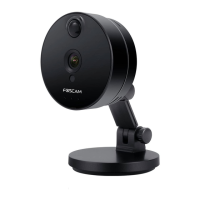
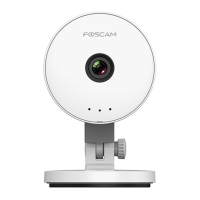
Please first verify that all contents received are complete according to the Package
Contents listed below. Before the IP Camera is installed, please carefully read and follow
the instructions in the Quick Setup Guide to avoid damage due to faulty assembly and
installation. It also ensures the product is used properly as intended.
To download the free Foscam App, simply scan the QR Code below.
You can also search for "Foscam" in the App Store or Google Play store to download
and install Foscam App as well.
With the Foscam App, you can turn your iOS or Android smartphone into a monitoring
center for your security system.
1.5. Get a New Free Foscam Account
To create a new Foscam account
launch the Foscam App from your smartphone, tap the Sign Up button, and follow the
onscreen instructions.


 To Next Page