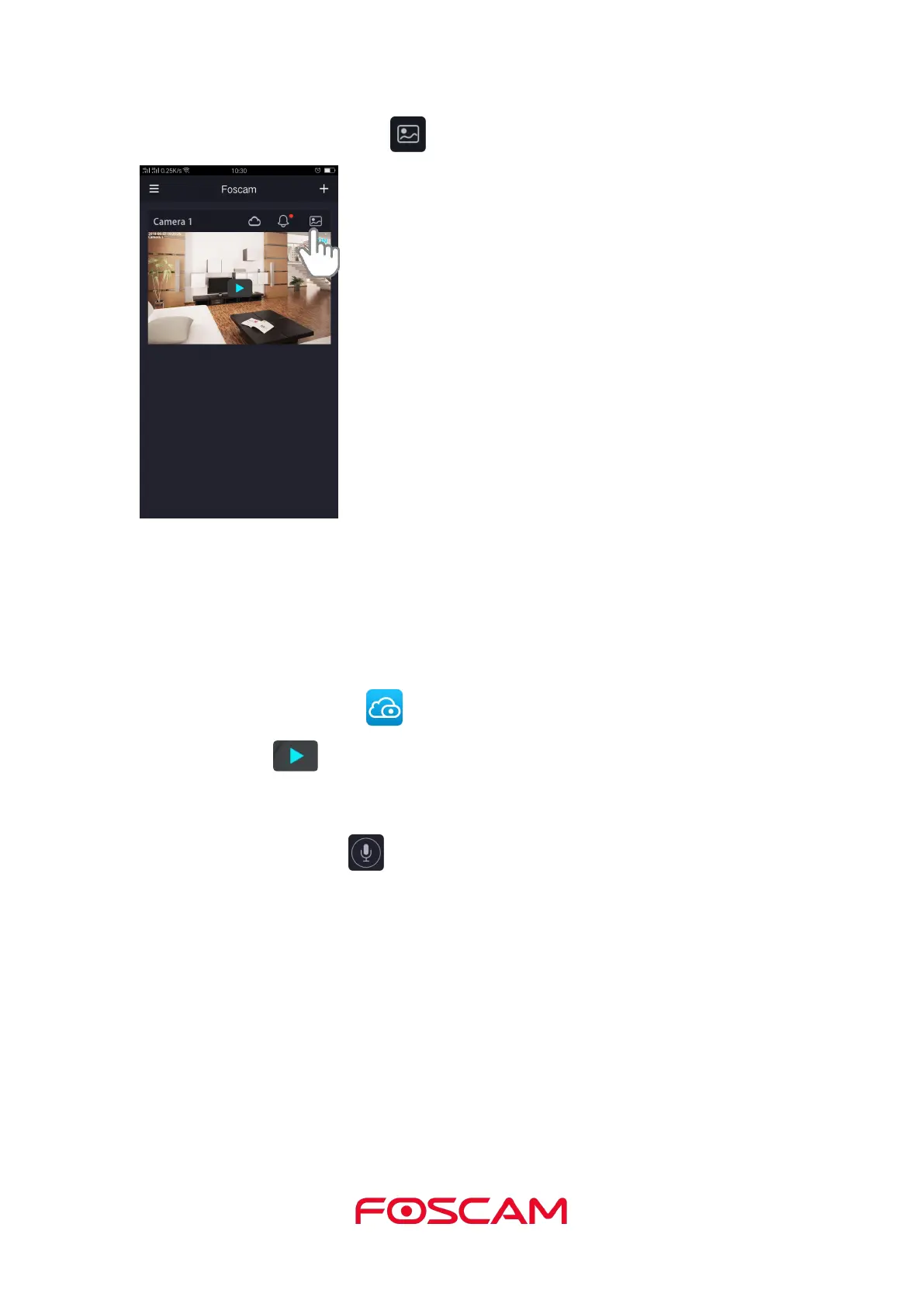
Or you can view it by click Album .
This camera supports two-way audio. Everything you say or hear will come through
clearly and instantly so that you can be part of every story, every time.
1. Tap the Foscam icon on your mobile device.
2. Tap Live to view and listen to a live video.
A row of live video icons displays below the live stream image for the camera.
3. Press and hold the button and speak.


 To Next Page