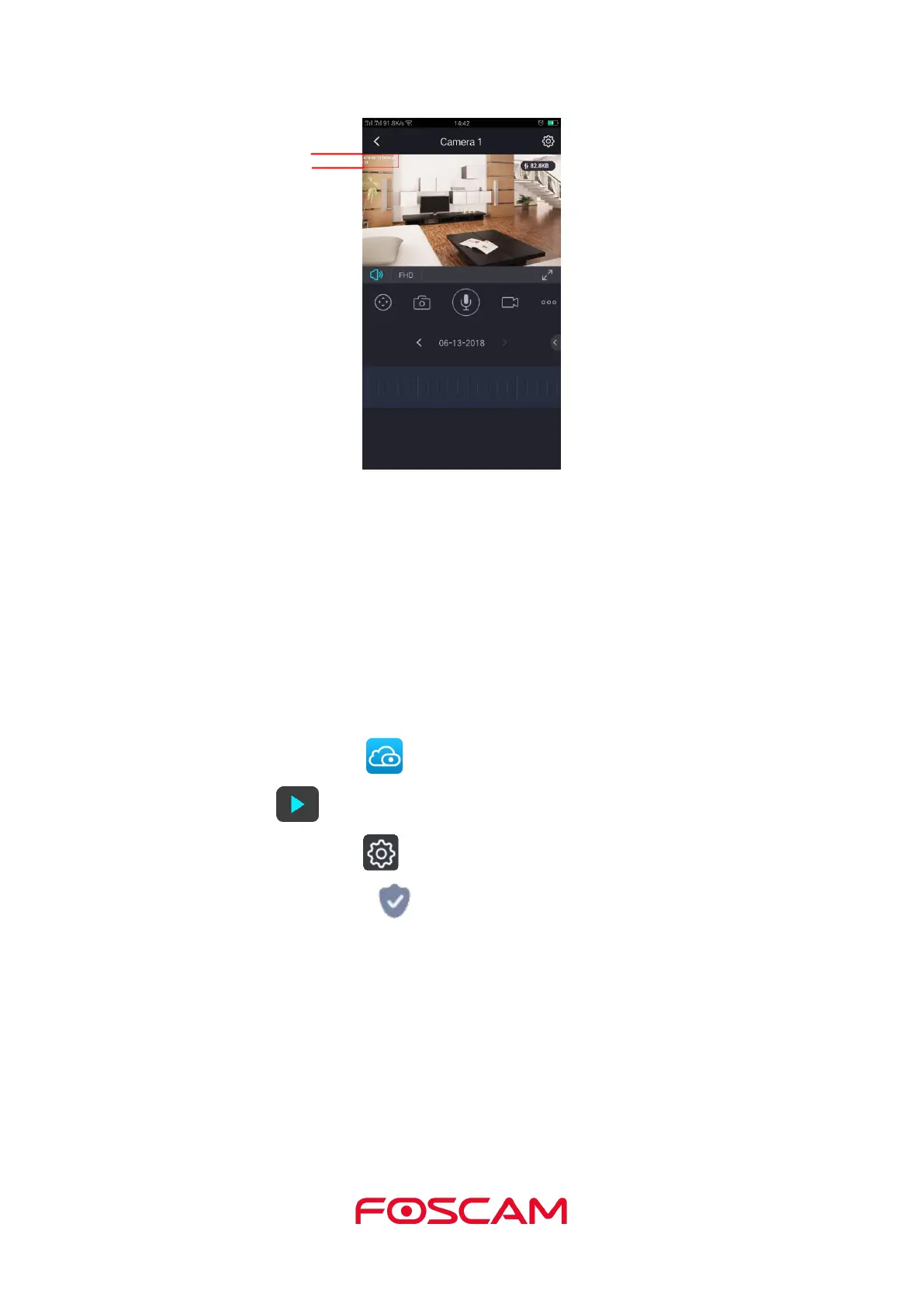
Network Auto-Adaptability: It is OFF as default setting. The camera will change the
real-time rate to adapt different network conditions when it is ON, and It can supply better
preview experience.
Security Warning:
We recommend that you change the password of your Base Station regularly, using a
combination of numbers, letters and special characters.
1. Tap the Foscam icon on your mobile device.
4. Tap Security Settings .
5. Input the camera name and password, and tap Save to save it.



 To Next Page