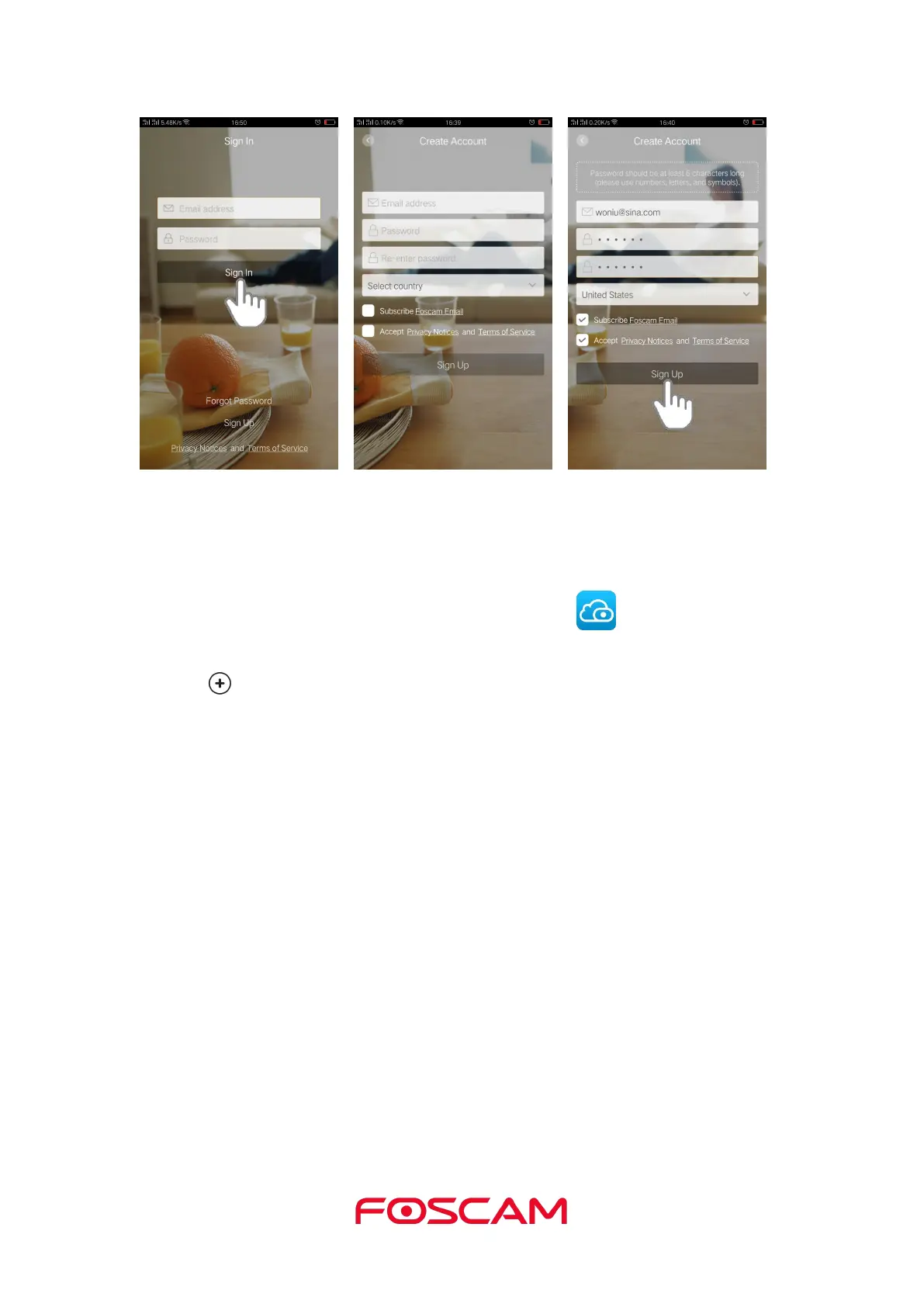
1.6. Add the Camera to an Existing Foscam Account
If you already have a Foscam Account, tap the Foscam icon on your mobile phone,
then sign in your Foscam Account.
3. Tap Next to scan the QR code of the camera.
5. Click Ready for Wired Connection to input the WiFi password.
6. Input the password and click OK.
Wait for a moment, the camera will be connected.



 To Next Page