46
w
w
w
w
w
w
w
w
w
w
w
w
w
w
w
w
ww.foscam.
ww.foscam.
ww.foscam.
ww.foscam.
ww.foscam.
ww.foscam.
ww.foscam.
ww.foscam.
us
us
us
us
us
us
us
us
Foscam
Foscam
Foscam
Foscam Digital
Digital
Digital
Digital Technologies
Technologies
Technologies
Technologies LLC
LLC
LLC
LLC
Telephone:
Telephone:
Telephone:
Telephone: 1-800-930-0949
1-800-930-0949
1-800-930-0949
1-800-930-0949
46
46
46
46
Click Submit
Submit
Submit
Submit to save these settings. Click Test
Test
Test
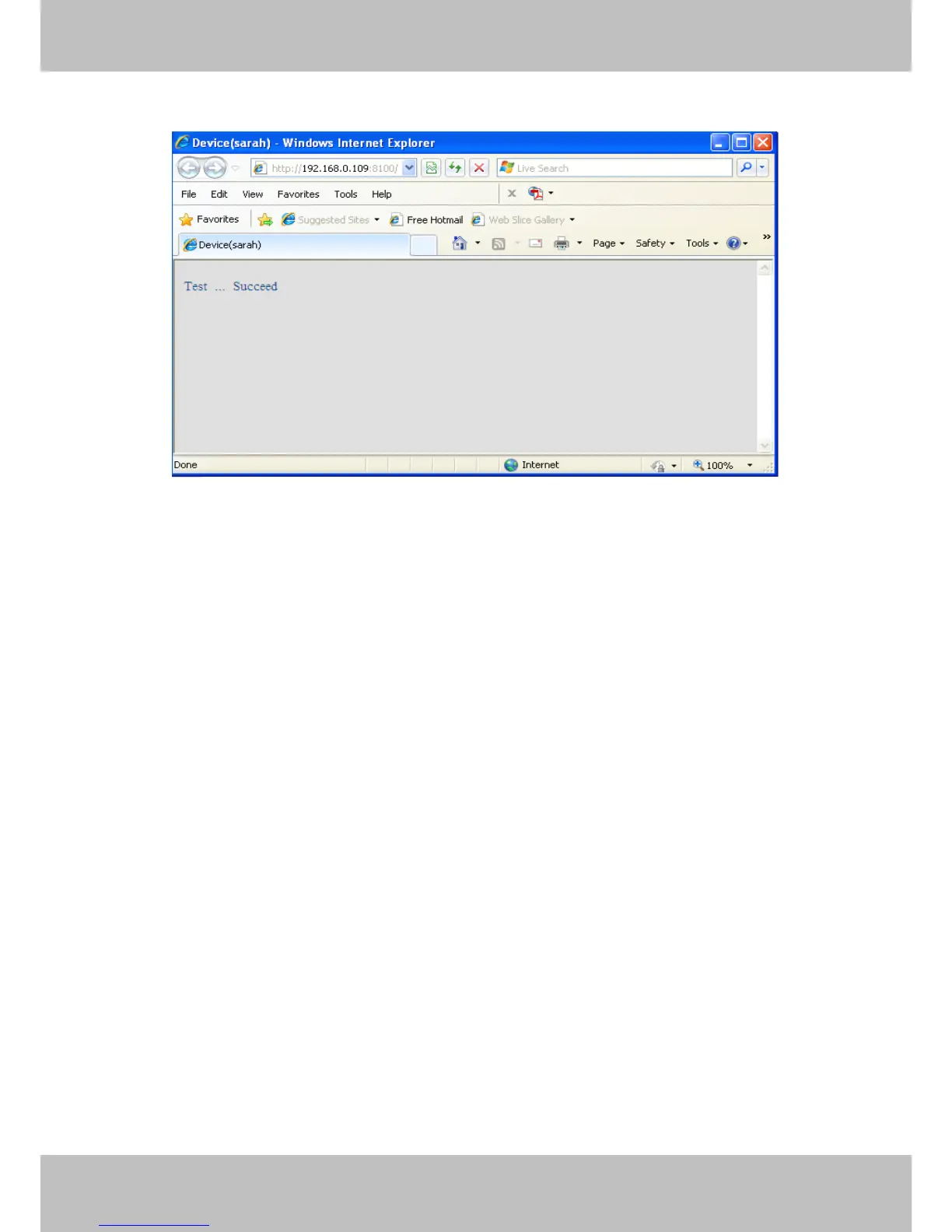
Test , t he following screen displays if successful.
Figure 3.38
The following errors may occur:
1) Can not connect to the server . Check if the FTP Server is correct.
2) Network Error. Please try later .
3) Server Error .
4) Incorrect user or password . Check the username and password.
5) Cannot access the folder. Verify the folder exists and your account is authorized
6) Error in PASV mode. Verify the server support s PASV mode .
7) Error in PORT mode. PASV mode should be selected if the device is behind a NAT .
8) Cannot upload file. Verify your account is authorized
If an error occurs c heck the parameters you entered are correct. The filename format of the
image is similar to 00606E8C1930(sarah)_0_20100728114350_25.jpg
C heck if your FTP server supports this file name format.



 To Next Page