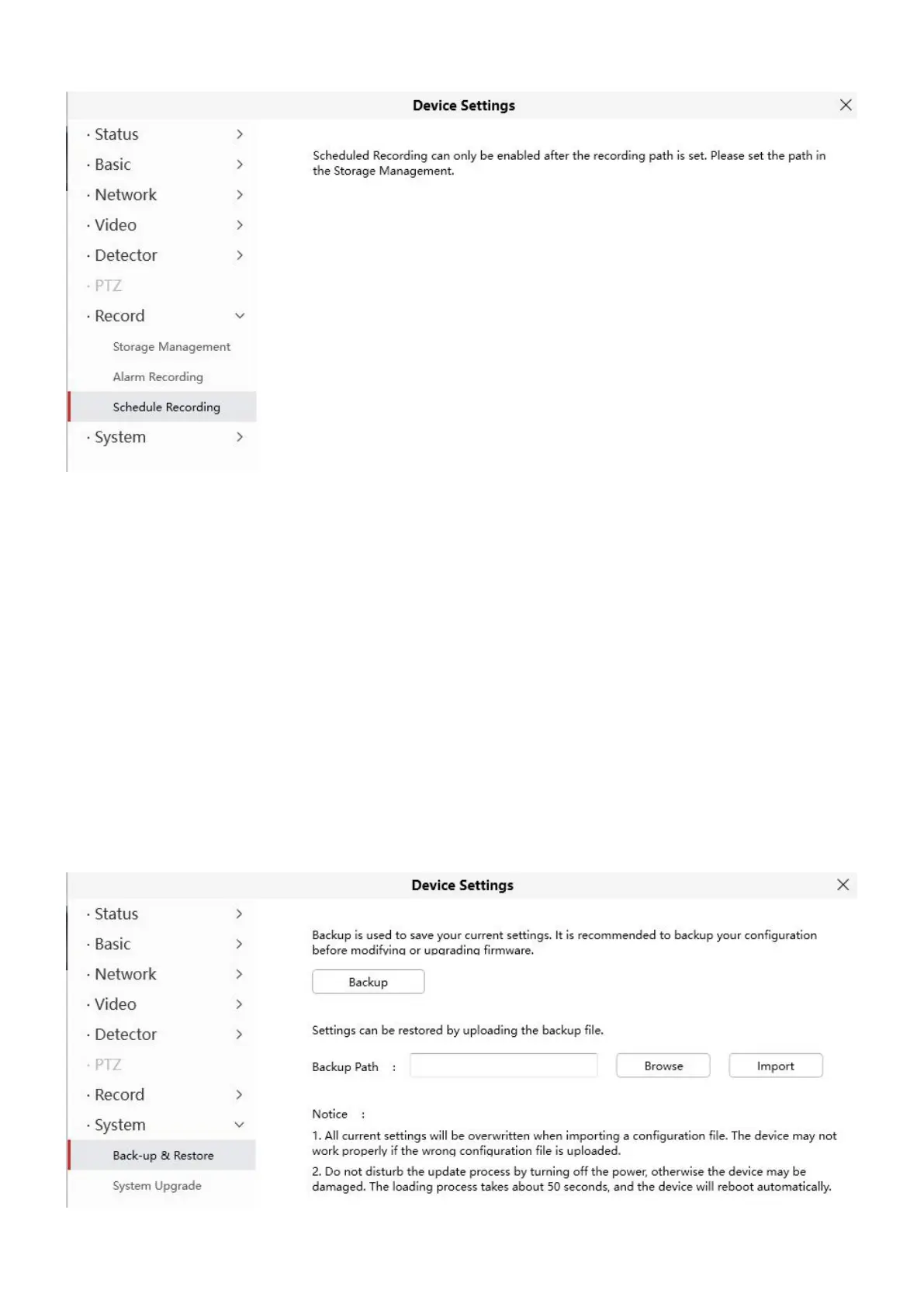
Click Save button to take effect.
4.6.8 System
In this panel, you can back up/restore your camera settings, upgrade the firmware to the latest version, restore
the camera to default settings and reboot the device.
4.6.8.1 Back-up & Restore
Click Backup to save all the parameters you have set. These parameters will be stored in a bin file for future
use.
Click Browse and select the parameters file you have stored, then click Submit to restore the restore the
parameters.



 To Next Page