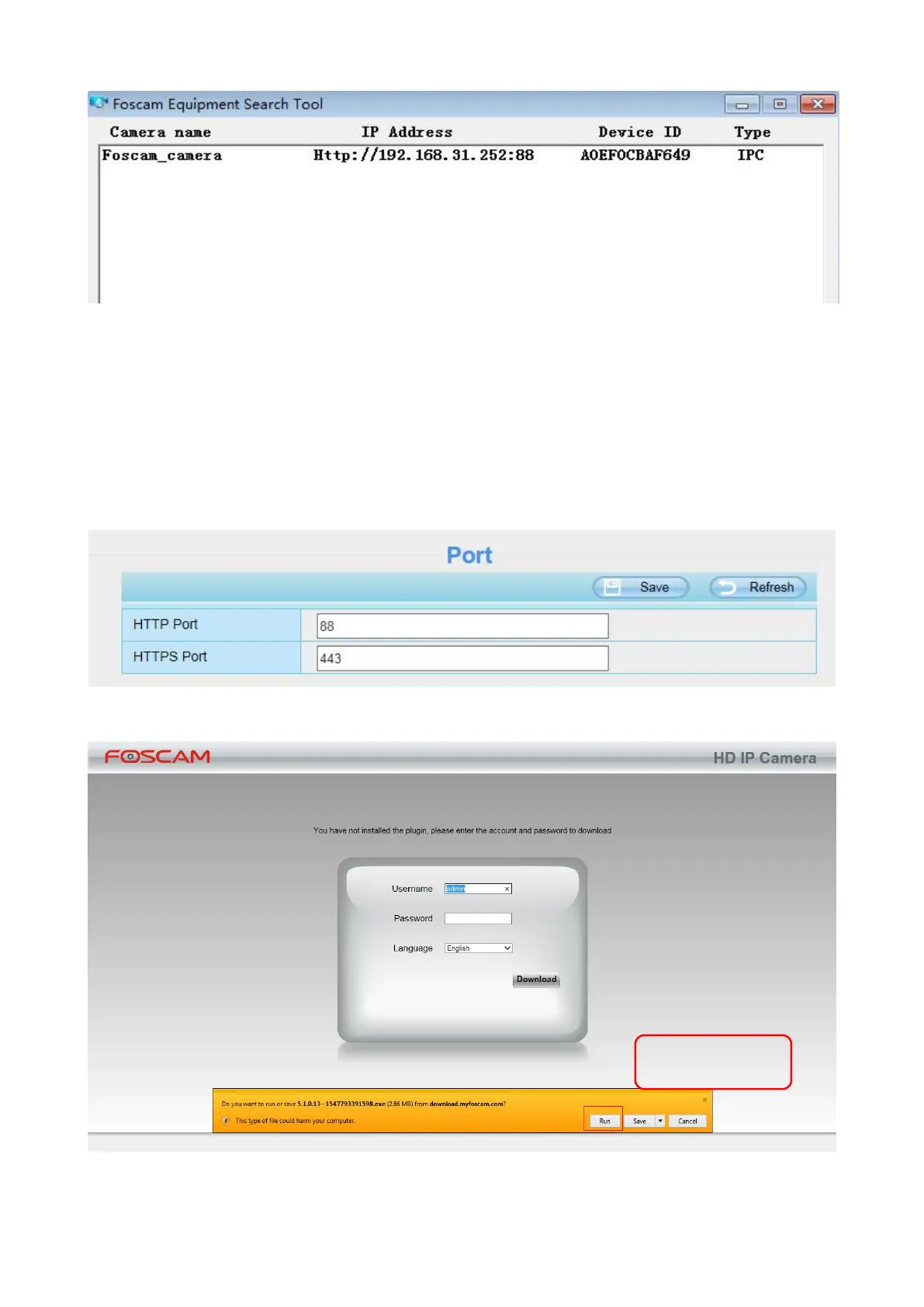
Double click the IP address of the camera; the camera login page should be open in your default
browser.
(2) Https:// LAN IP + Https Port no.
The default HTTPS port NO. is 443. You can use the URL to access the camera: https:// LAN IP +
HTTPS port NO.
Go to Settings > Network > Port panel, you can see and change the HTTP and HTTPS port NO.
NOTE: When logging in for the first time, you will need to download and install the add-on.



 To Next Page