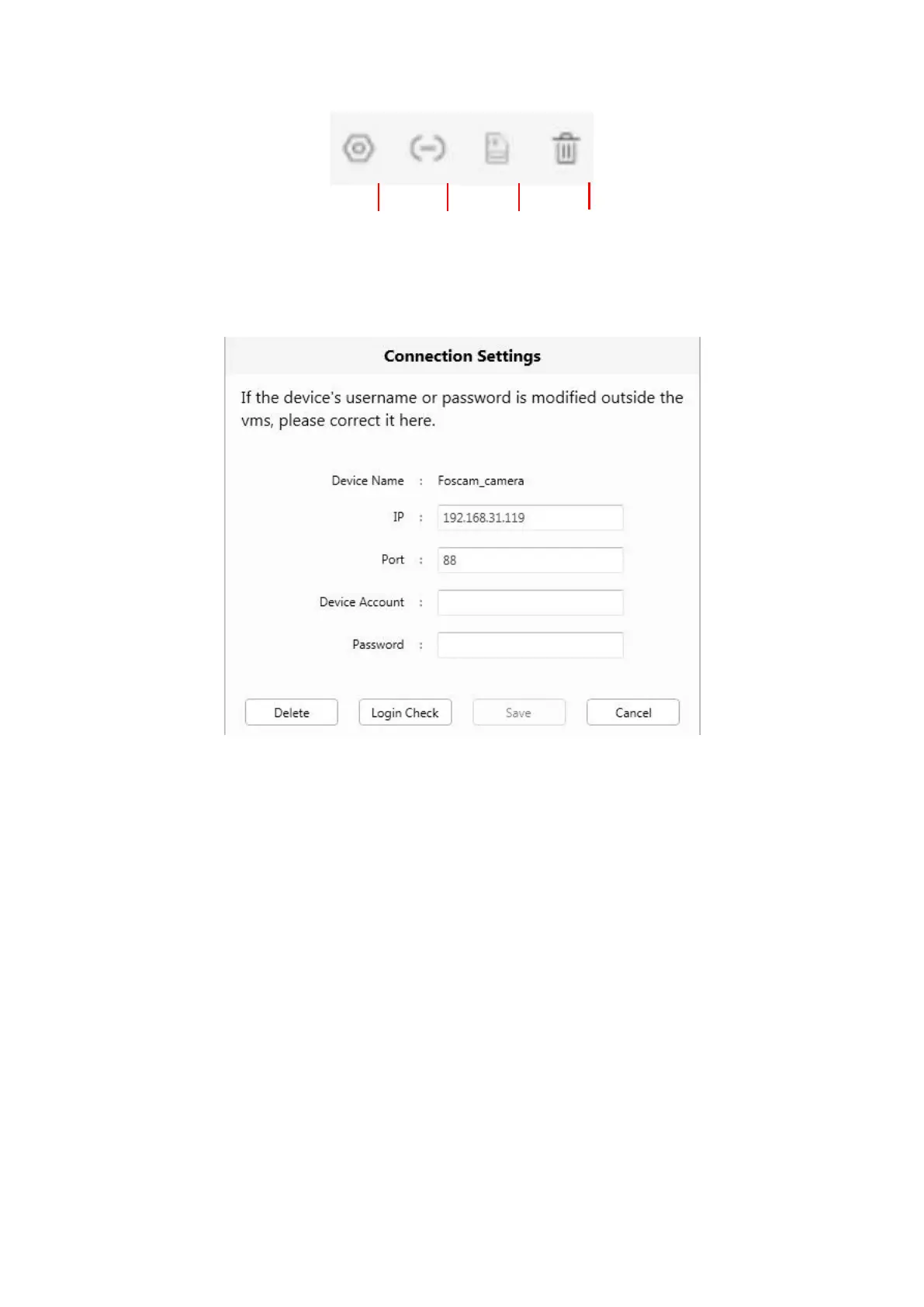
Left Bar of Live: You can view the list of connected cameras
1----- Setup
Click the button Settings, goes to Device Settings Control Panel to make advanced camera settings.
2-----Device Connection Account
Click the button Settings, goes to connection Settings
3-----SD Card
If you have an SD card on your device, click this button to enter the SD directory.
4-----Delete
Click the button, Delete the device.



 To Next Page