14
Model LM16 [Before using the unit]
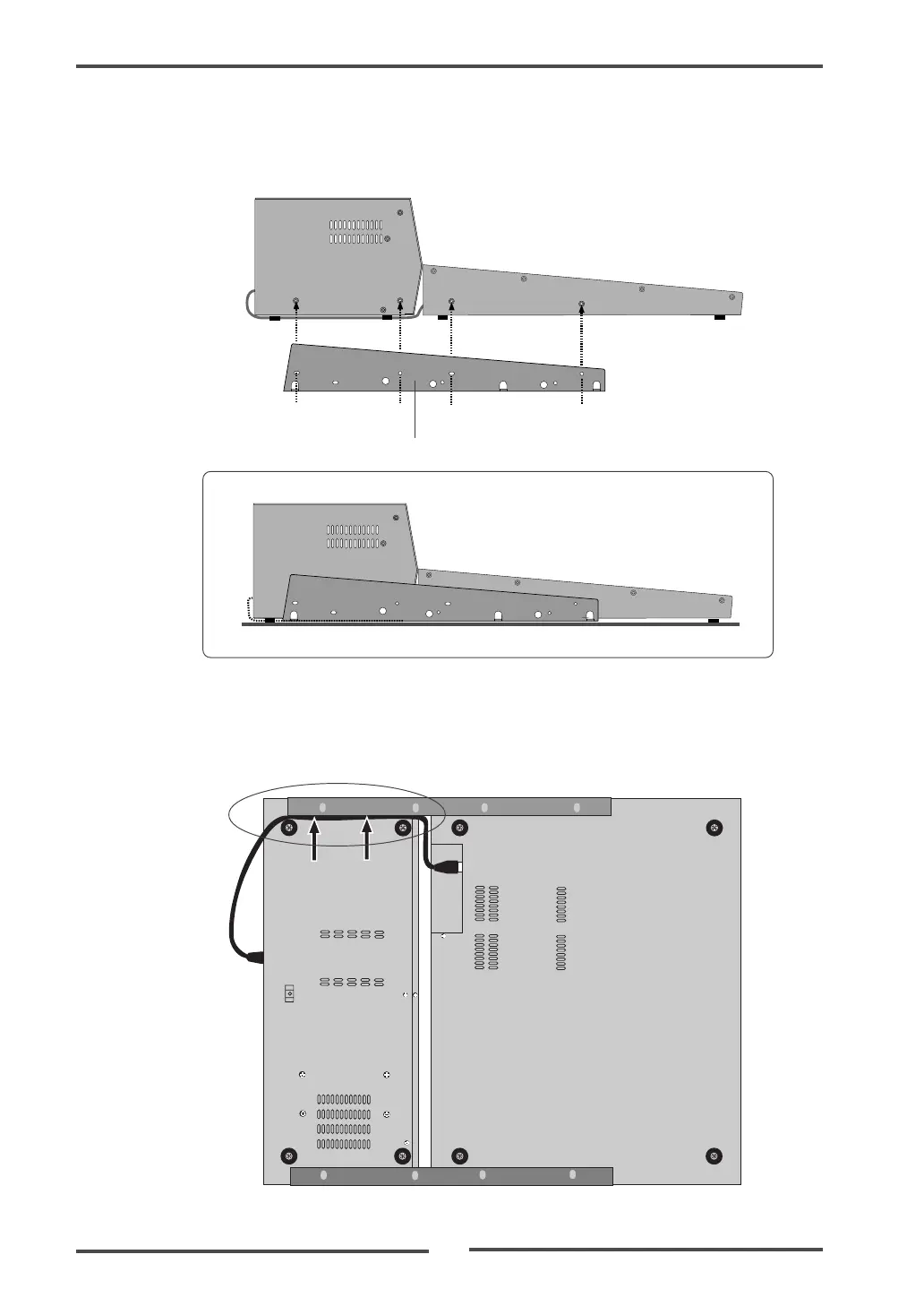
(4) Put the CAT-5 cable into the space between the rubber feet and mounting bracket
(indicated by arrows below).
The space between the rubber feet and mounting bracket is narrow, so be careful not to
damage the cable when you put it into the space.
(3) Using the rack mount adaptors removed from the control unit, fix the control unit and
main unit.
Attach the rack mount adaptors to the both left and right sides in the direction shown
below. Use four screws for each side.
Rack mount adaptor
After attaching the adaptor



 To Next Page