Connecting Network Devices and Checking Connectivity
June 2006 © 2006 Foundry Networks, Inc. 4 - 11
Syntax: phy cable-diag tdr <port-num>
Viewing the Results of the Cable Analysis
To display the results of the cable analysis, enter a command such as the following at the Privileged EXEC level of
the CLI:
Syntax: show cable-diag tdr <port-num>
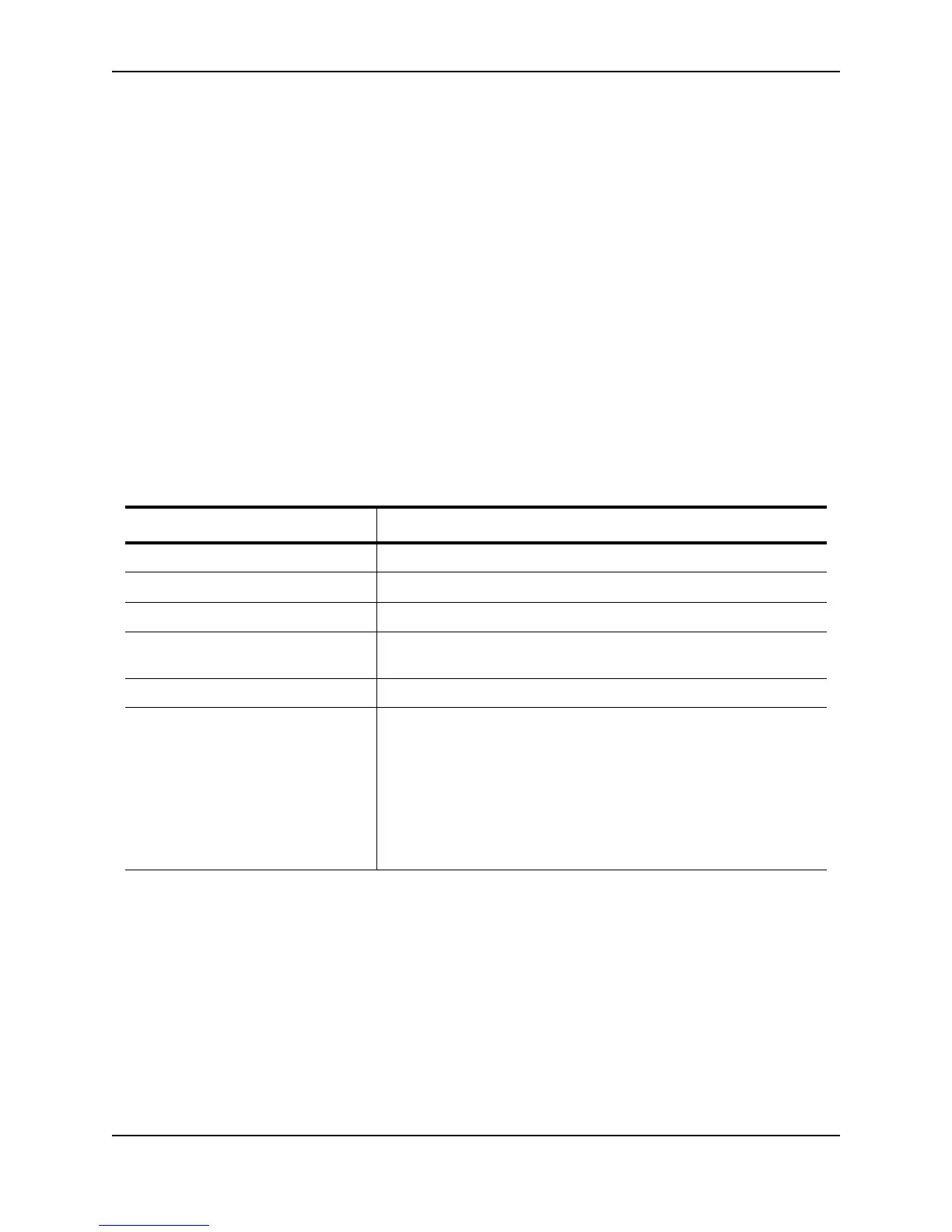
Table 4.3 defines the fields shown in the command output.
Table 4.3: Cable Statistics
This Line... Displays...
Port The interface that was tested.
Speed The port’s current line speed.
Local pair The local link name.
Pair Length The cable length when terminated, or the distance to the point of fault
when the line is not up.
Remote pair The remote link name.
Pair status The status of the link. This field displays one of the following:
• Terminated: The link is up.
• Shorted: A short is detected in the cable.
• Open: An opening is detected in the cable.
• ImpedMis: The impedance is mismatched.
• Failed: The TDR test failed.
FESX Switch#sh cable-diag tdr 1
Port Speed Local pair Pair Length Remote pair Pair status
--------- ----- ---------- ----------- ----------- -----------
01 1000M Pair A <50M Pair B Terminated
Pair B <50M Pair A Terminated
Pair C <50M Pair D Terminated
Pair D <50M Pair C Terminated



 To Next Page