3
38
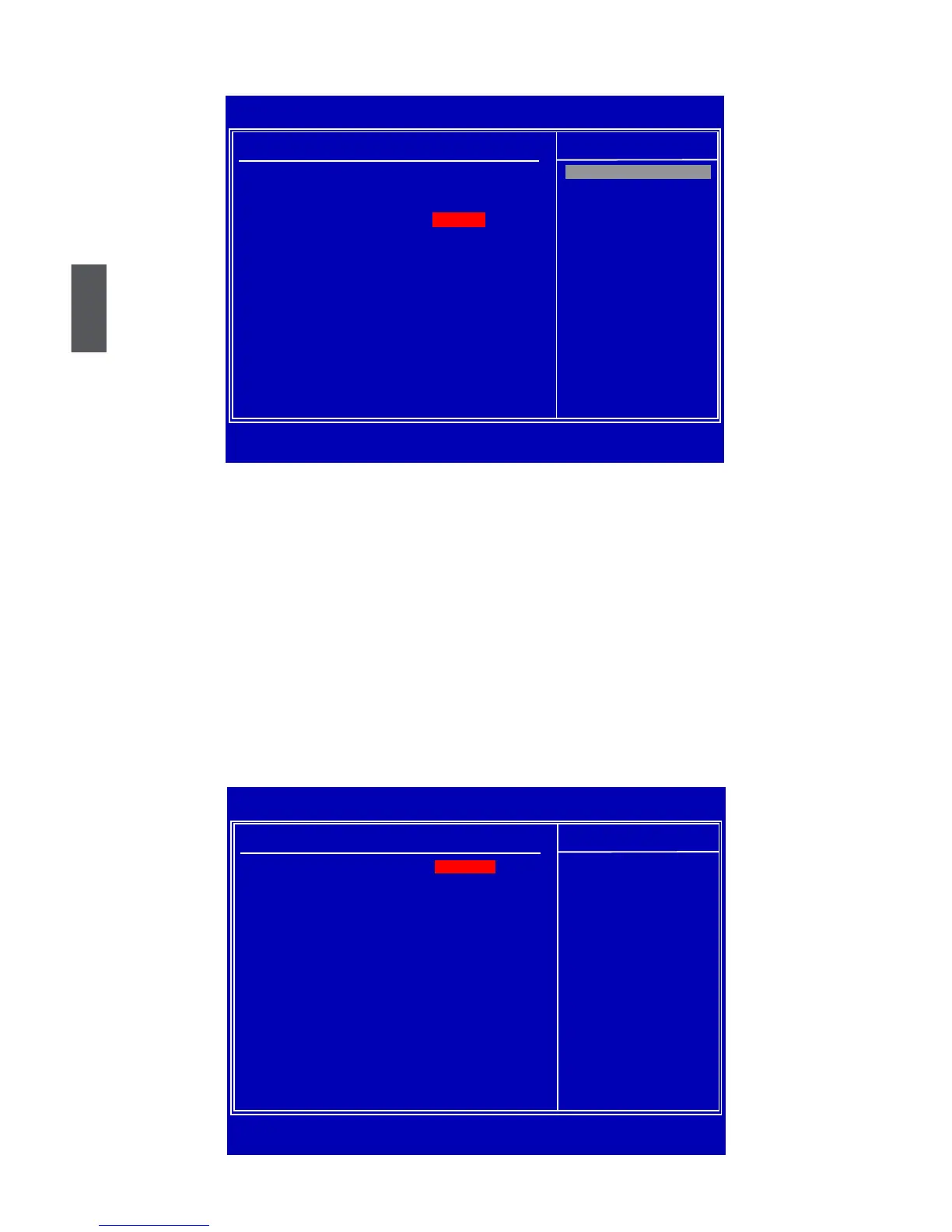
USB Conguration
► OnBoard USB Controller
This item is used to enable or disable the onboard USB controller.
► USB 2.0 Controller
This item is used to enable or disabled the enhanced host controller interface for USB.
► USB 2.0 Controller Mode
This item is used to set the transmission rate mode of USB 2.0. This function only works un-
derDOS mode. The available settings are: [High Speed] in 480Mbps; [Full Speed] in 12Mbps.
► Legacy USB Support
This item is used to enable the support for USB devices on legacy OS. If you have a USB
keyboard or mouse, set to auto or enabled.
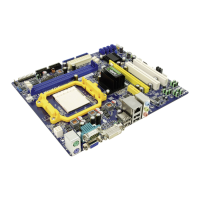
SuperIO Conguration
CMOS Setup Utility - Copyright (C) 1985-2008, American Megatrends, Inc.
USB Configuration
USB Configuration
Help Item
USB Devices Enabled :
None
Disabled
OnBoard USB Controller [Enabled] Enabled
USB 2.0 Controller [Enabled]
USB 2.0 Controller Mode [High Speed]
Legacy USB Support [Enabled]
↑↓←→:Move Enter:Select +/-/:Value F10:Save ESC:Exit
F1:General Help F9:Optimized Defaults
[Enabled]
Options
CMOS Setup Utility - Copyright (C) 1985-2008, American Megatrends, Inc.
SuperIO Conguration
SuperIO Conguration
Help Item
Serial Port1 Address
Allows BIOS to select
Serial Port1 Mode
[Normal] serial port1 base
address.
↑↓←→:Move Enter:Select +/-/:Value F10:Save ESC:Exit
F1:General Help F9:Optimized Defaults
[3F8/IRQ4]




 To Next Page