11
2
11
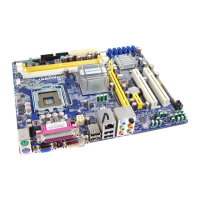
2-2 Install the Memory
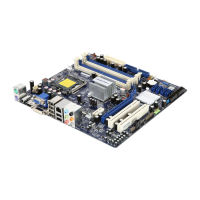
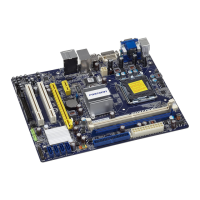
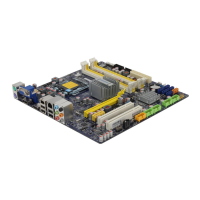
This motherboard provides two DDR3 memory sockets and supports Dual Channel Technology.
When memory is installed, the BIOS will automatically check the memory in your system.
Two DDR3 memory sockets are divided into two channels :
Channel 0 : DIMM1
Channel 1 : DIMM2
The combinations of DIMM modules are :
DIMM1 DIMM2
Single Channel DS/SS -
Single Channel - DS/SS
Dual Channel DS/SS DS/SS
(DS : Double Side, SS : Single Side, - : No Memory)
It is recommended that memory of the same capacity, brand, speed, and chips be
CAUTION
!
Read the following guidelines before you begin to install the memory :
of the same capacity, brand, speed, and chips be used.
installing the memory to prevent hardware damage.
one direction. If you are unable to insert the memory, switch the direction.
CAUTION
!



 To Next Page
 Loading...