1
6
Both HDMI and DVI ports share the same signals. They are not able to work at the same time.
C
A
U
T
I
O
N
!
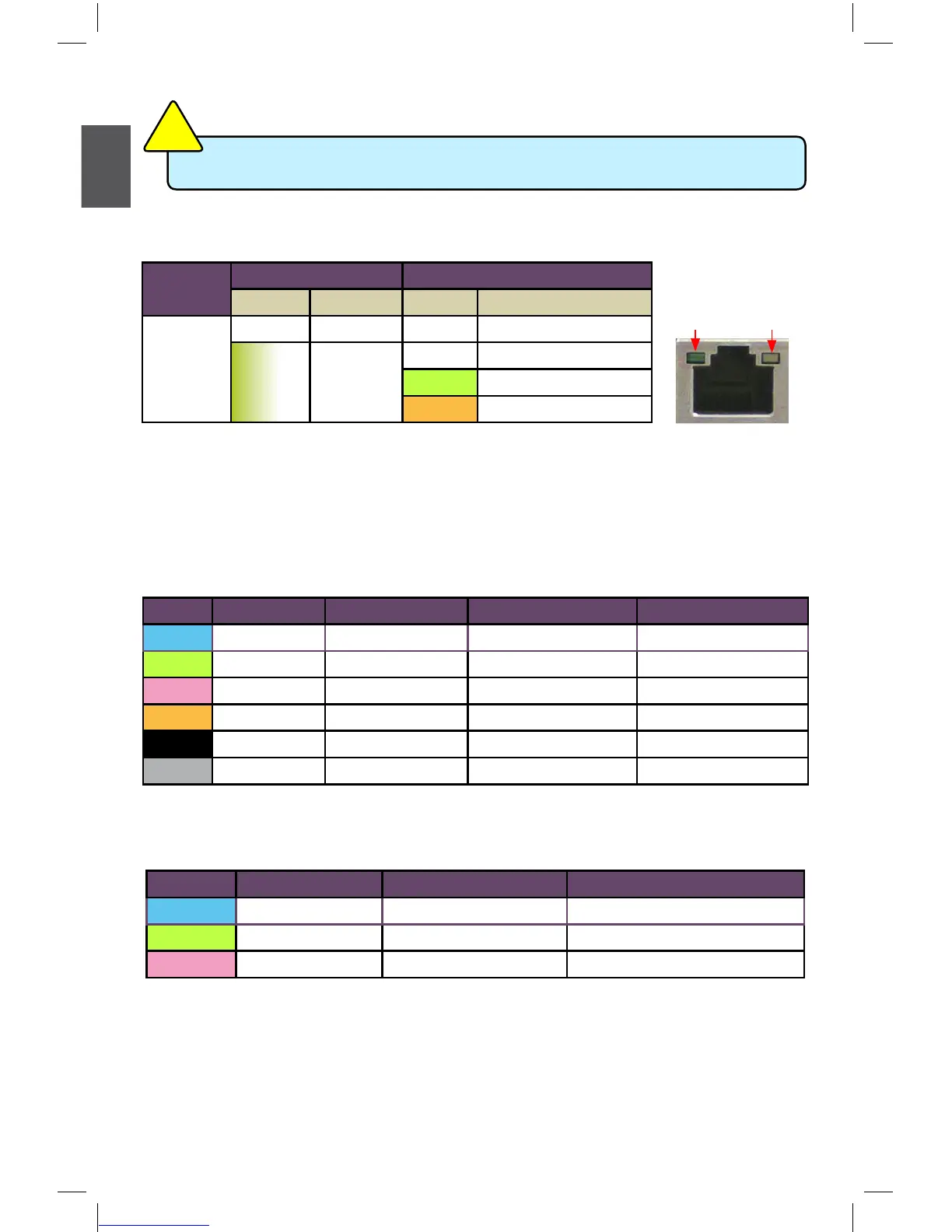
6. RJ-45 LAN Port
The Ethernet LAN port provides Internet connection at up to 10/100/1000Mb/s data rate.
7. USB 3.0 Ports (only for H67M-S)
The USB port supports the USB 3.0/2.0/1.1 specication. Use this port for USB devices such
as an USB keyboard/mouse, USB printer, USB ash drive and etc. You need to install the USB
3.0 driver in the Driver CD before using it.
8. Audio Ports (8 jacks)
For the denition of each audio port, please refer to the table below :
9. Audio Ports (6 jacks)
For the denition of each audio port, please refer to the table below :
*
: Please refer to Chapter 4, and run the Realtek audio driver (in CD) to assign the audio output
ports for different applications of 2/4/5.1 channels or 2/4/5/7.1 channels. The fundamental
audio outputs are depicted in the table above.
LAN Type
Left: Active Right: Link
Status Description Status Description
1000M
Off No Link Off No Link
Green
Blinking
Data
Activity
Off 10Mb/s Connection
Green 100Mb/s Connection
Orange 1000Mb/s Connection
Active
LED
Link
LED
Port 2-channel 4-channel 5.1-channel 7.1-channel
Blue Line In Line In Line In Line In
Green Line Out Front Speaker Out Front Speaker Out Front Speaker Out
Pink Microphone In Microphone In Microphone In Microphone In
Orange - - Center/Subwoofer Out Center/Subwoofer Out
Black - Rear Speaker Out Rear Speaker Out Rear Speaker Out
Grey - - - Side Speaker Out
Port 2-channel 4-channel 5.1-channel
Blue Line In Rear Speaker Out
*
Rear Speaker Out
*
Green Line Out Front Speaker Out Front Speaker Out
Pink Microphone In Microphone In Center/Subwoofer Out
*



 To Next Page
 Loading...






