3
23
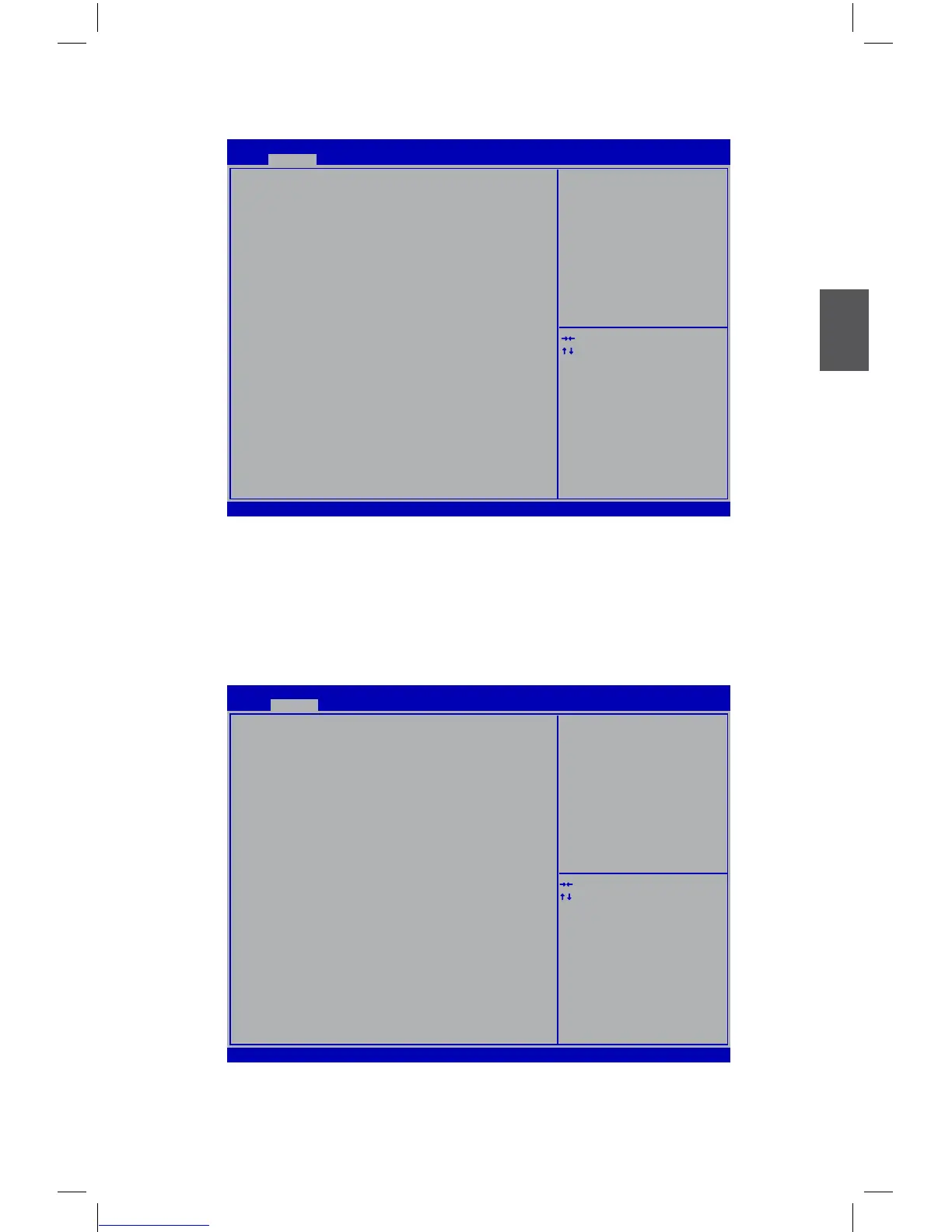
Advanced
Version 2.02.1205. Copyright (C) 2010 American Megatrends, Inc.
Aptio Setup Utility - Copyright (C) 2010 American Megatrends, Inc.
Main Advanced Chipset Boot Power Health Security Save & Exit
▶ Fox Control Center
▶ Trusted Computing
▶ CPU Configuration
▶ Performance Tuning
▶ SATA Configuration
▶ Intel IGD SWSCI OpRegion
▶ USB Configuration
▶ Onboard Device Configuration
→ ←: Select Screen
↑ ↓: Select Item
Enter: Select
+/-: Change Opt.
F1: General Help
F2: Previous Values
F3: Optimized Defaults
F4: Save & Exit
ESC: Exit
Fox Control Center
Advanced
► Fox Control Center/Trusted Computing/CPU Conguration/Performance Tuning/SATA
Conguration/Intel IGD SWSCI OpRegion /Intel TXT(LT) Conguration/USB Congura-
tion/Onboard Device Conguration
Press <Enter> to go to relative submenu.
Fox Control Center
Version 2.02.1205. Copyright (C) 2010 American Megatrends, Inc.
Aptio Setup Utility - Copyright (C) 2010 American Megatrends, Inc.
Fox Control Center
VCC_SA Voltage [Default]
Meory Voltage [Default]
→ ←: Select Screen
↑ ↓: Select Item
Enter: Select
+/-: Change Opt.
F1: General Help
F2: Previous Values
F3: Optimized Defaults
F4: Save & Exit
ESC: Exit
Advanced
► VCC_SA Voltage
This item is used to change the VCC_SA voltage in a step of 12.5mV. The voltage can be



 To Next Page
 Loading...






