Business iQ (BiQ) Self Help Troubleshooting Guide
Printed: 5 July 2021
© FOXTEL Management Pty Ltd 2020 9
• Yes – Issue is isolated to specific title(s). Got to Escalate to Foxtel
Commercial with details of title that cannot be played.
• No – Continue below.
2. Login to EzVu (e.g. perform steps in How to Login to EzVu).
3. For the property’s location, select “Rooms” from the EzVu menu and find the
room assigned to the box. Click the “+” next to this room to view the box(es) in
the room.
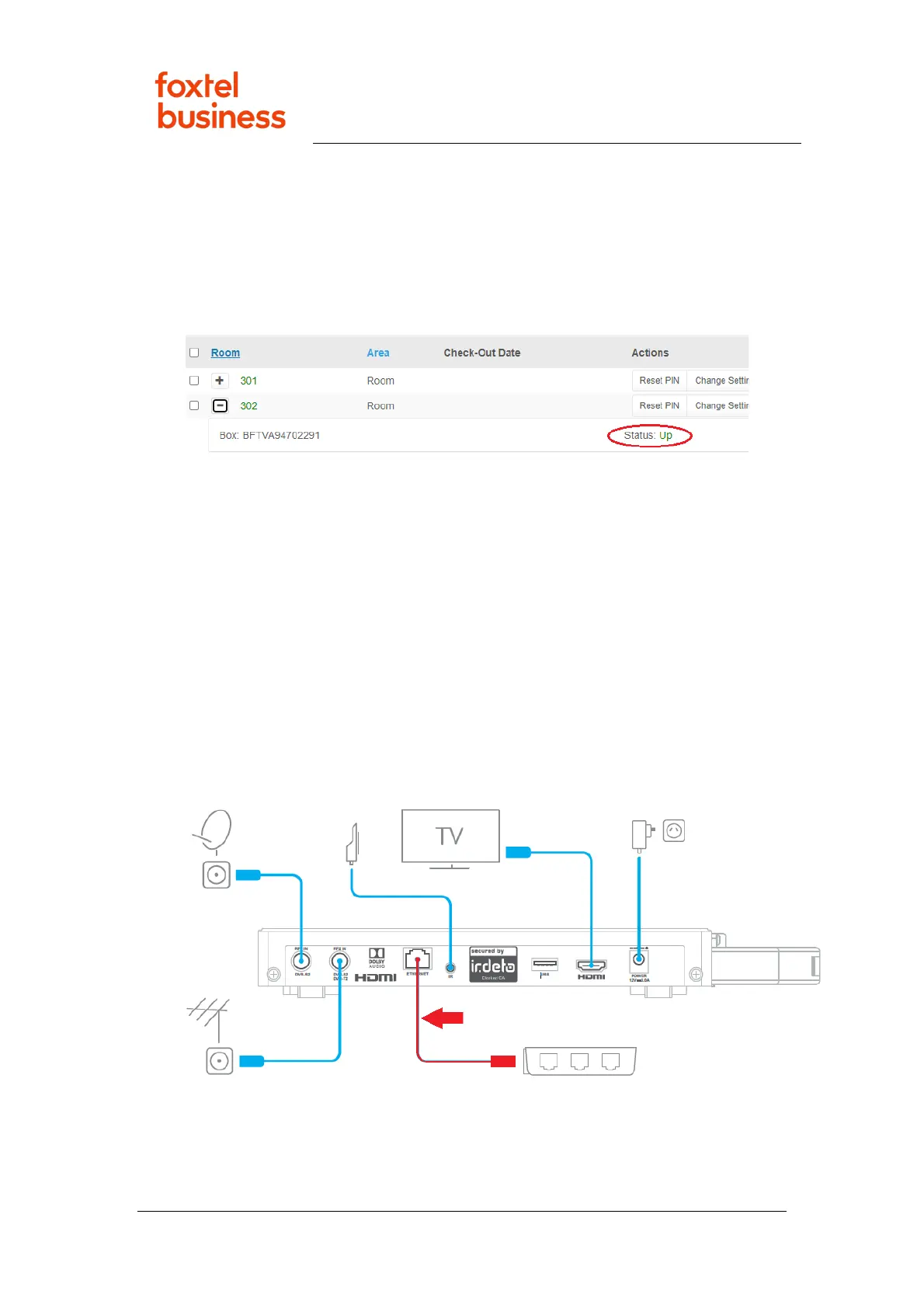
4. Does the box have a Status of Up (as in image below)?
• Yes – Go to “No Data” Displayed for Several Channels in TV Guide.
• No – Go to Box Down in EzVu.
11. Box Down in EzVu
1. Press the Power key on remote control to bring the TV and box out of standby.
Is the Welcome screen displayed?
• Yes – Follow same steps as “No Data” Displayed for Several Channels in
TV Guide
• No – Follow same steps as “Error Connecting to Link” Message on TV
Screen
12. “No Data” Displayed for Several Channels in TV Guide
1. Is the port labelled ‘Ethernet’ on the box connected via an Ethernet cable to a
wall plate/socket in the room (see image below)?
• Yes – Continue below
• No – Follow same steps as “Error Connecting to Link” Message on TV
Screen
2. Press the Menu/Home key on remote control to display the box Welcome
screen and then press <EXIT>, <EXIT>, 3, 4, 2, 4, <EXIT>, not to fast but not



 To Next Page