27
Next Generation Diagnostic Platform NT726TS User's Manual V1.0
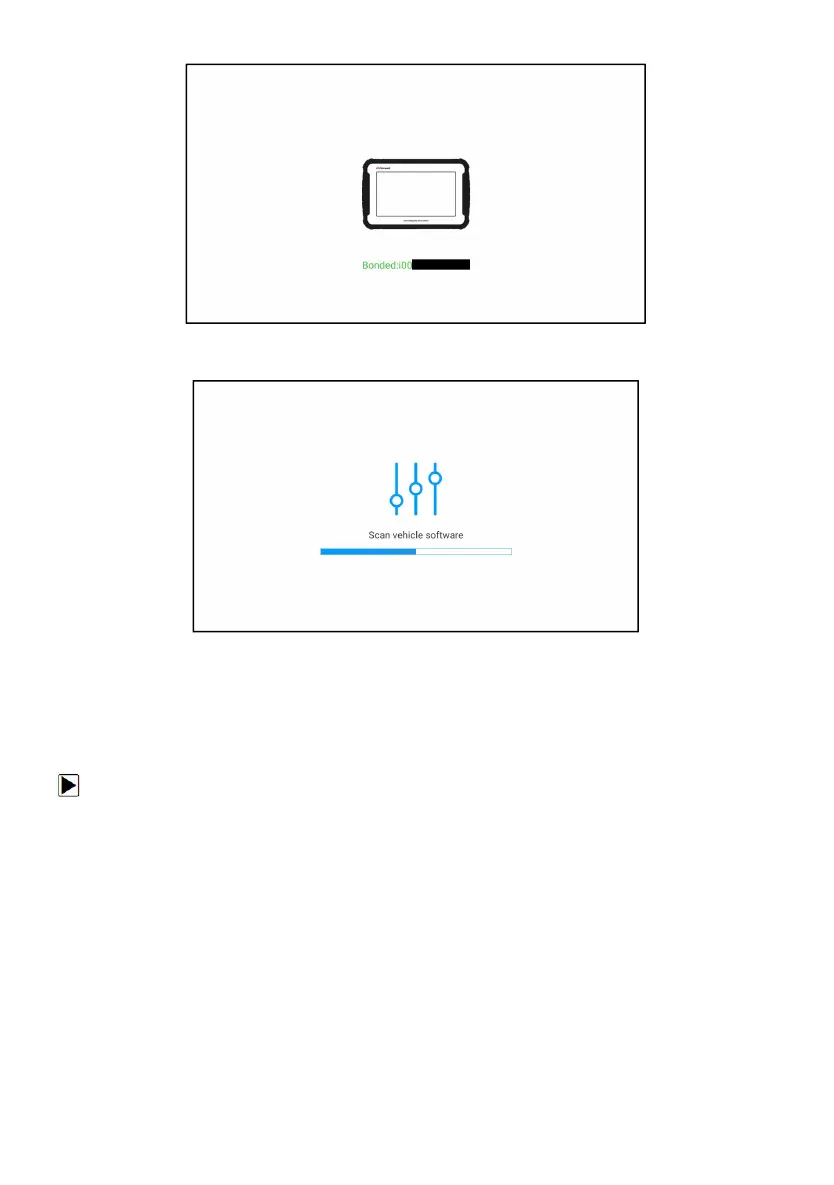
Figure 6-4 Sample Bind New VCI Successfully
Figure 6-5 Sample Rescan Vehicle Software
7 Firmware Update
This application allows you to update the firmware of NT726TS.
To update the firmware:
1. Click the Update application on the NT726TS home screen.
2. Check and download the firmware package.
3. After the download is completed, it will automatically jump to the Firmware
Update function module.
4. Check the battery level to ensure that the battery level should be greater
than 20%.
5. It will start update automatically if there is an update available. If update
failed, please follow the on-screen instructions to troubleshoot and repeat the
update.



 To Next Page