77
Next Generation Diagnostic Platform NT726TS User's Manual V1.0
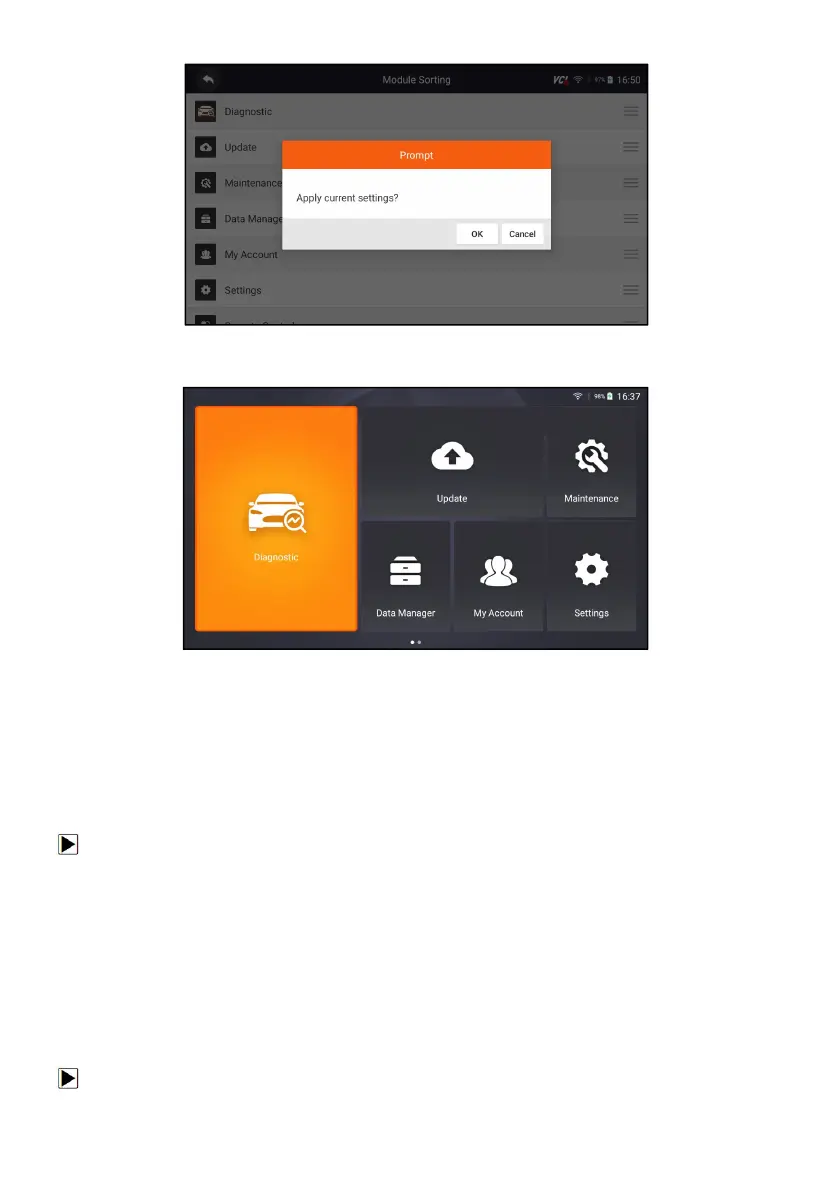
Figure 13-5 Sample Click OK to apply the current changes
Figure 13-6 Sample After the modification,
the Update module is displayed in front of the Maintenance module
13.5 Sort Tiles
This option allows you to change the sort for Brand of vehicles. There are two
sorting methods available by alphabet or by frequency of use.
To change sort
1. Press Settings from home screen of the NT726TS diagnostic application,
and select Sort Tiles.
2. Select your preferred sort order.
13.6 Remote control
This option allows you to select a tool of remote control. There are two
remote tools available TeamViewer QuickSupport or AnyDesk.
To change remote control



 To Next Page