63
Next Generation Diagnostic Platform NT726TS User's Manual V1.0
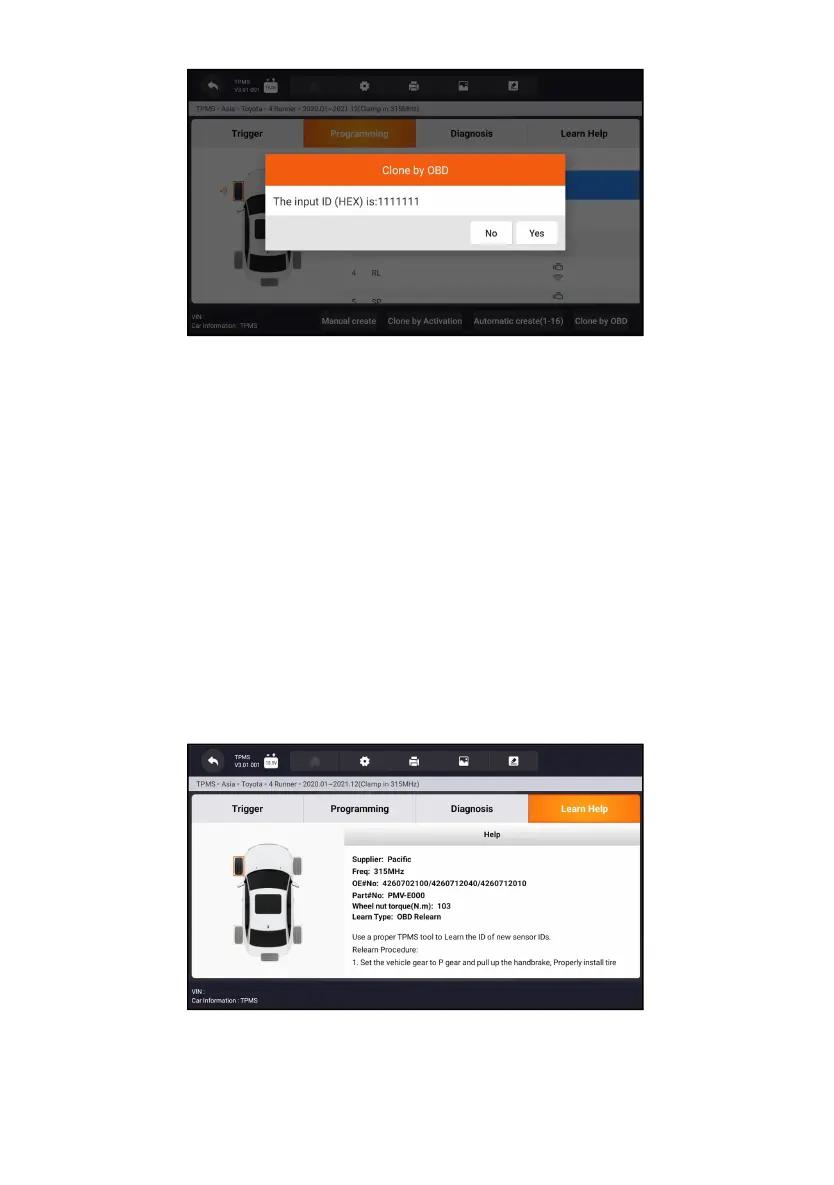
Figure 11-13 Sample Copy by OBD Function Screen
Place the proper Foxwell sensor T10 near the top right of the Display Tablet,
and tap OK to start programming the saved sensor information to the Foxwell
T10. The programmed sensor ID will appear on Column 2 of the table.
11.3 Learn Help
This function introduces the relevant information of the sensor, such as
manufacturer, sensor frequency, OE number, learning type, learning method
and learning steps etc. The OEM sensor information and specification, and
relearn procedure for each vehicle will display on the right side of the screen.
The Learning method of TPMS mainly includes:
OBD relearn, Automatic relearn, Static relearn, Clone Sensor.
Figure 11-14 Sample Learn Help Screen
11.3.1 OBD Relearn



 To Next Page