55
Next Generation Diagnostic Platform NT726TS User's Manual V1.0
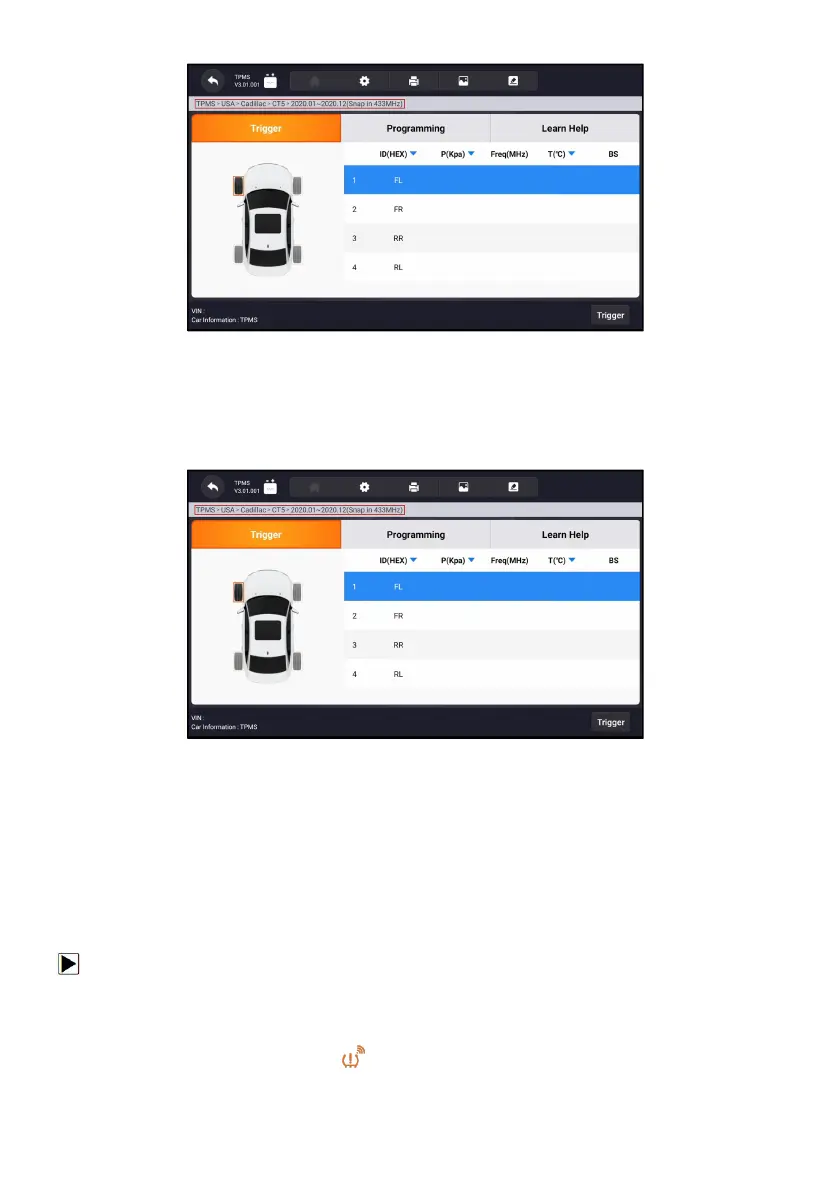
Figure 11-2 Sample Vehicle Selection Screen
11.1.1 TPMS Service Screen Layout
The TPMS service typically include three functions:
Trigger/ Programming/ Learn Help
Figure 11-3 Sample TPMS Service Screen Layout
11.2 Trigger Operations
The sensor trigger function allows activating of TPMS sensor to view sensor
data such as sensor ID, tire pressure, tire temperature, sensor battery,
sensor position, and sensor frequency.
To Trigger TPMS sensor
1. Tap Trigger Tab.
2. Tap the desired wheel position on the vehicle thumbnail. Hold the
Display Tablet with the symbol (in the top right corner) close to the tire



 To Next Page