82
Next Generation Diagnostic Platform NT726TS User's Manual V1.0
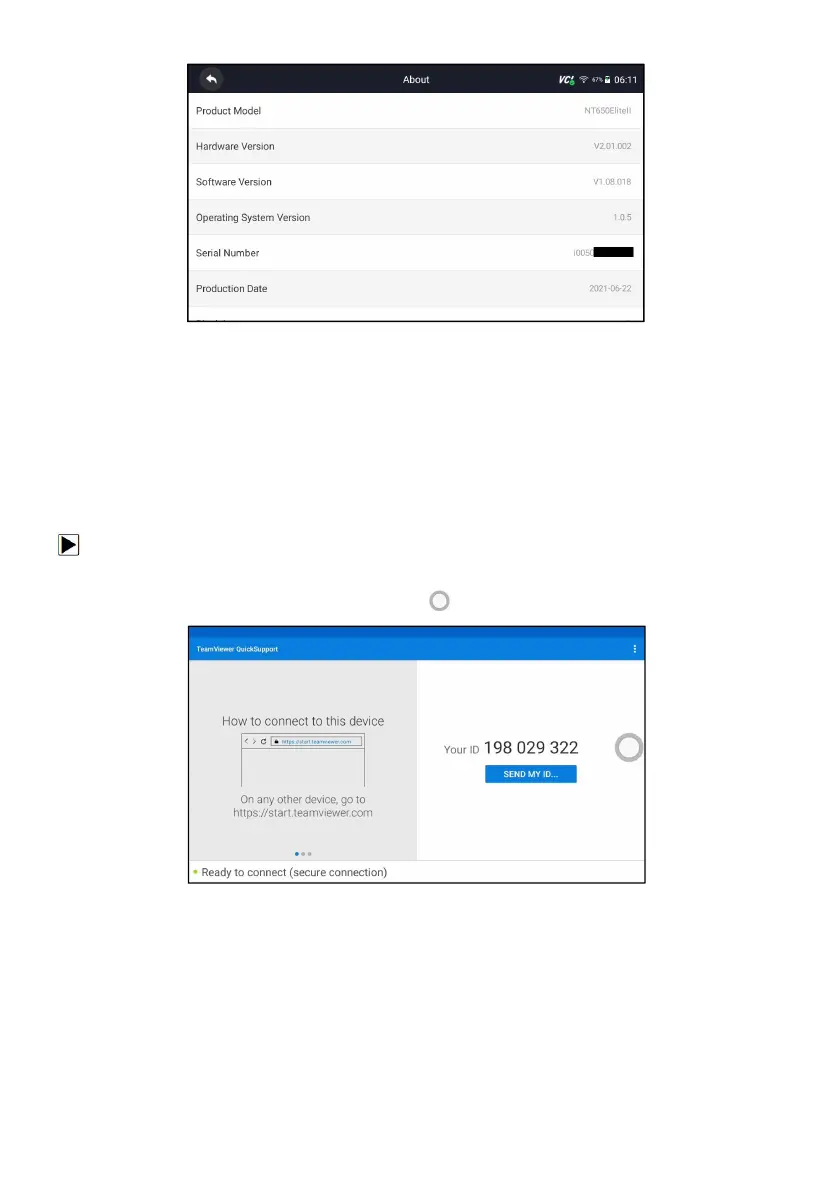
Figure 13-15 Sample Tool Information Screen
14 Remote Support
Remote Control enables you to get remote support from Foxwell with
TeamViewer when you have issues with Foxwell products.
There are two remote control tools TeamViewer QuickSupport and Any Desk.
About how to set the tool of default, please refer to 12.5 Remote control.
To use QuickSupport for to remote control:
1. Click the Remote Control icon on the main menu of the NT726TS to start
TeamViewer QuickSupport. Press for return.
Figure 14-1 Sample QuickSupport Screen
2. Send your ID to us to let our team to take control your tablet.



 To Previous Page