31
Next Generation Diagnostic Platform NT726TS User's Manual V1.0
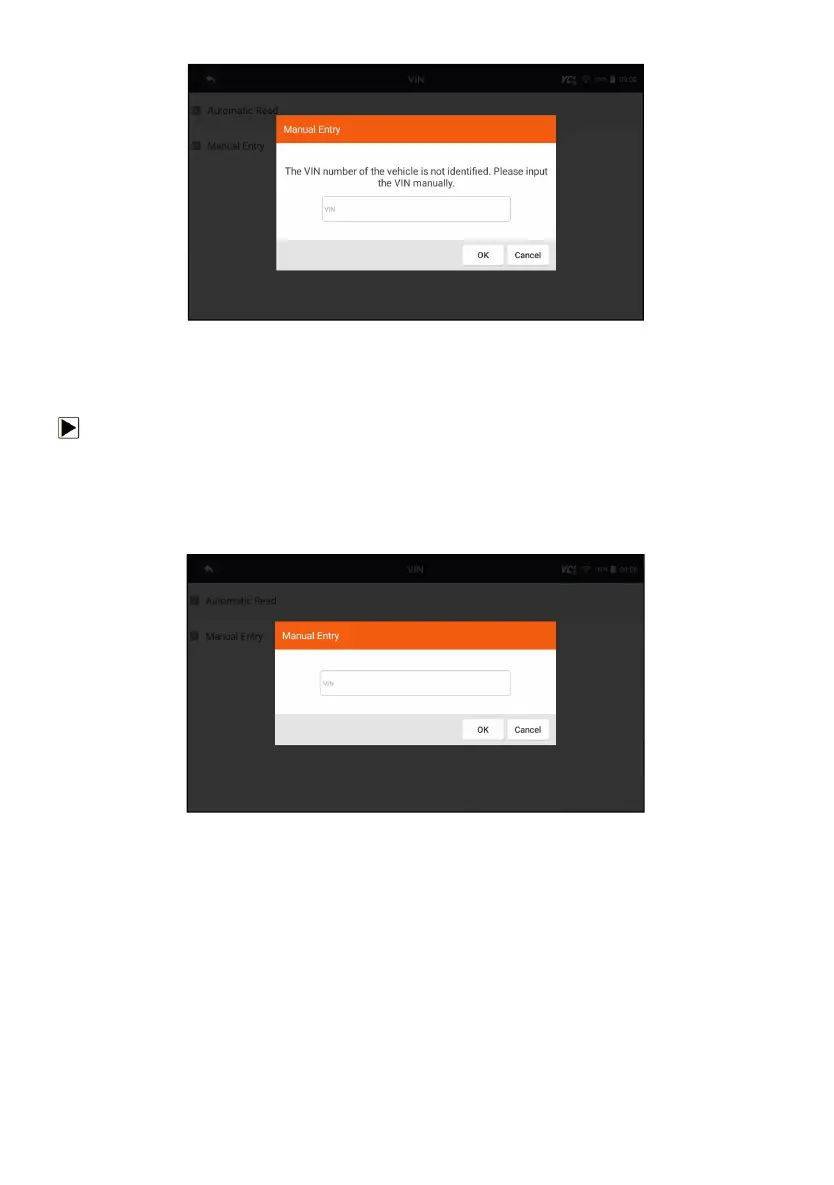
Figure 8-4 Sample Manual Entry Screen
8.2.2 Manual Entry
Manual Entry allows to identify a vehicle by inputting VIN manually.
To identify a vehicle by Manual Entry:
1. Select Diagnostic from home screen of the NT726TS application.
2. Click VIN and choose Manual Entry from the option list.
3. Press Keyboard button to input a valid VIN code and press OK to
continue.
Figure 8-5 Sample Manual Entry Screen
8.3 Manual Selection
Select vehicle brand you are to test, and two ways of getting to the diagnostic
operations are available.
●
Smart VIN
● Manual Selection



 To Next Page