72
Next Generation Diagnostic Platform NT726TS User's Manual V1.0
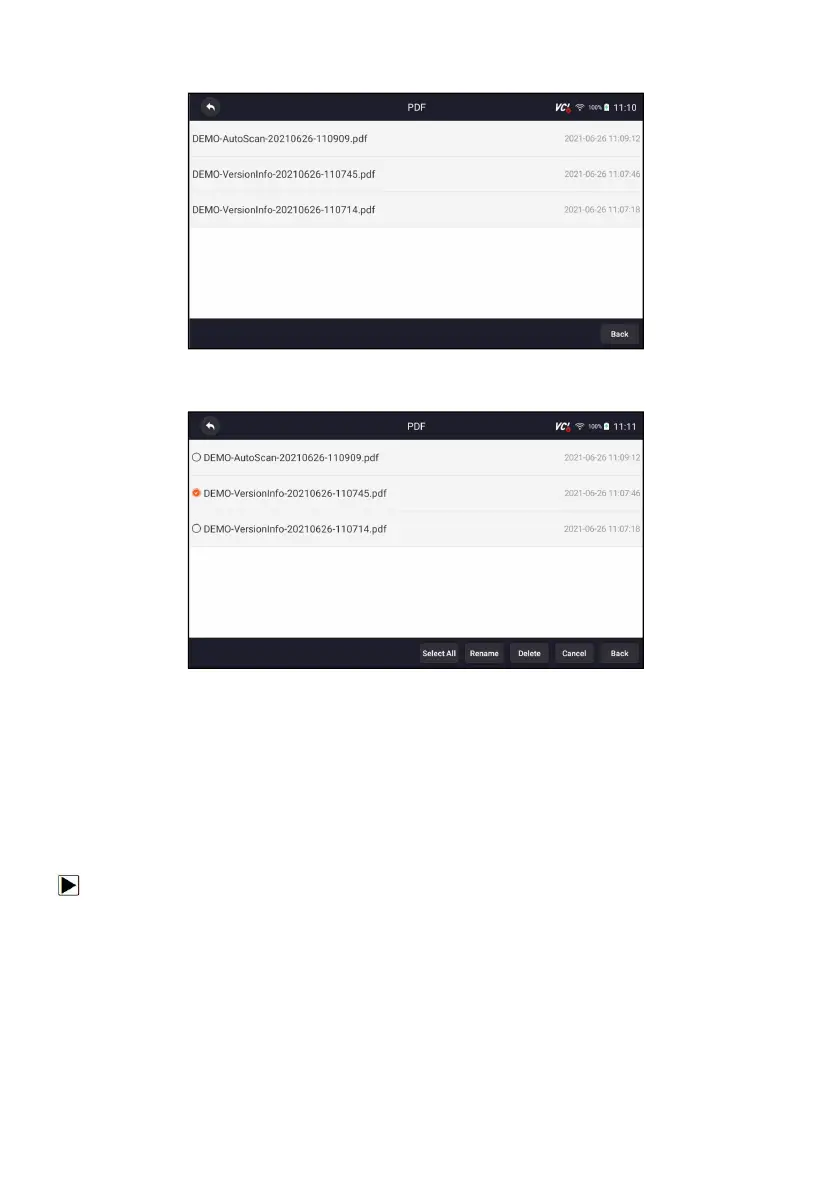
2. Press PDF and all available PDF files will be displayed.
Figure 12-11 Sample Browse PDF Screen
3. Long press the screen to edit all PDF files like Rename or Delete the files.
Figure 12-12 Sample Edit PDF Screen
12.3 Data Playback
The Data Playback option leads to screens for review of recorded live data.
Playing back a recording is just like using the scan tool on a live vehicle. It let
you review live data in text, graph and graph merging formats. Playback
speed and direction (forward or reverse) can also be controlled.
To review recorded live data:
1. Press Data Manager from home screen of NT726TS diagnostic
application.
2. Press Data Playback and all available records display.



 To Next Page