42
Next Generation Diagnostic Platform NT726TS User's Manual V1.0
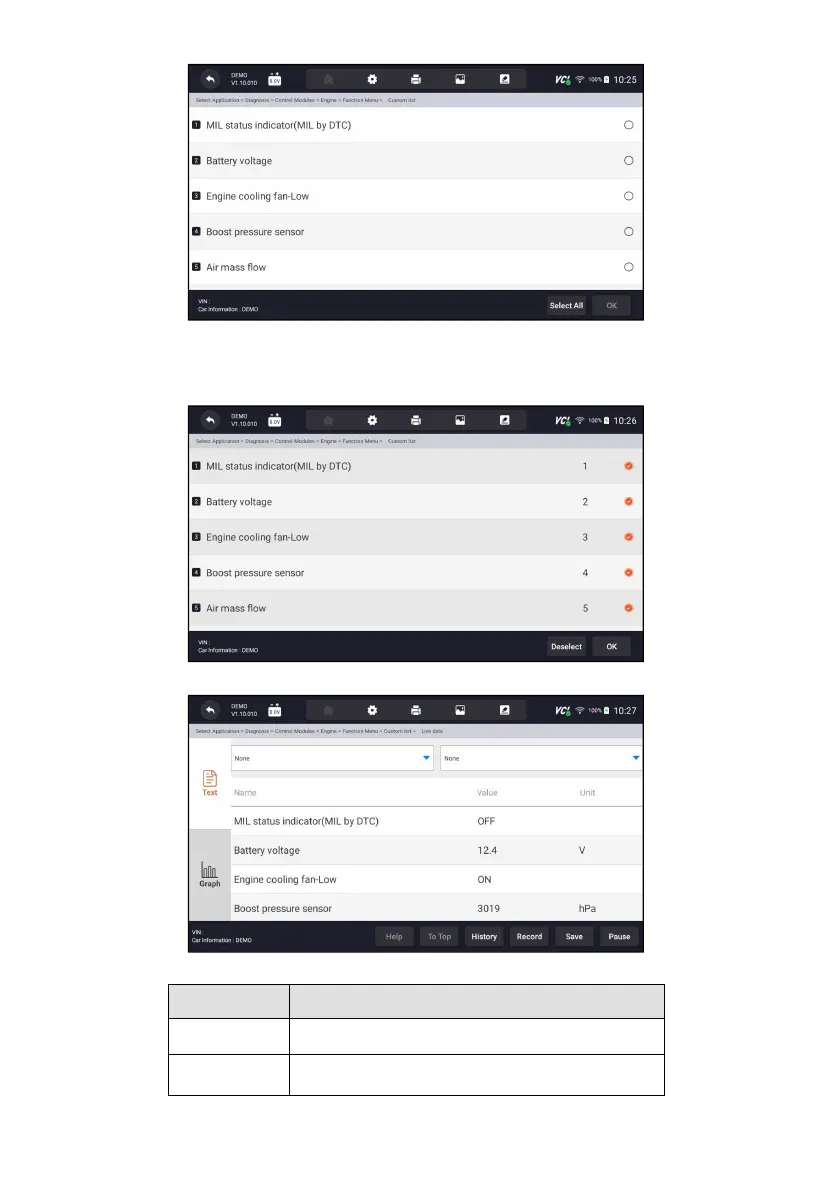
Figure 9-15 Sample Function Menu Screen
2. Press OK to complete the selection and all readings will be displayed in
text format by default.
Figure 9-16 Sample Live Data Selection Screen
Figure 9-17 Sample Live Data Screen
To provide help information of a PID
To move a data line to the top of Data List screen



 To Next Page