Frama Matrix F22
28
If you have fitted the new cassette properly, you can now press YES on the screen.
The ink jet cassette will now be tested and calibrated. This process might take a few seconds.
If the ink jet cassette being used has already been fitted in your Matrix franking system, you can
choose between recalibration and accepting the existing calibration data. Calibrate, are you sure?
After calibration, you will be prompted to print a test franking mark. Take an
envelope. We recommend that you use a filled envelope.
Insert the envelope as for franking. The envelope will be franked with a test
mark and ejected to the left.
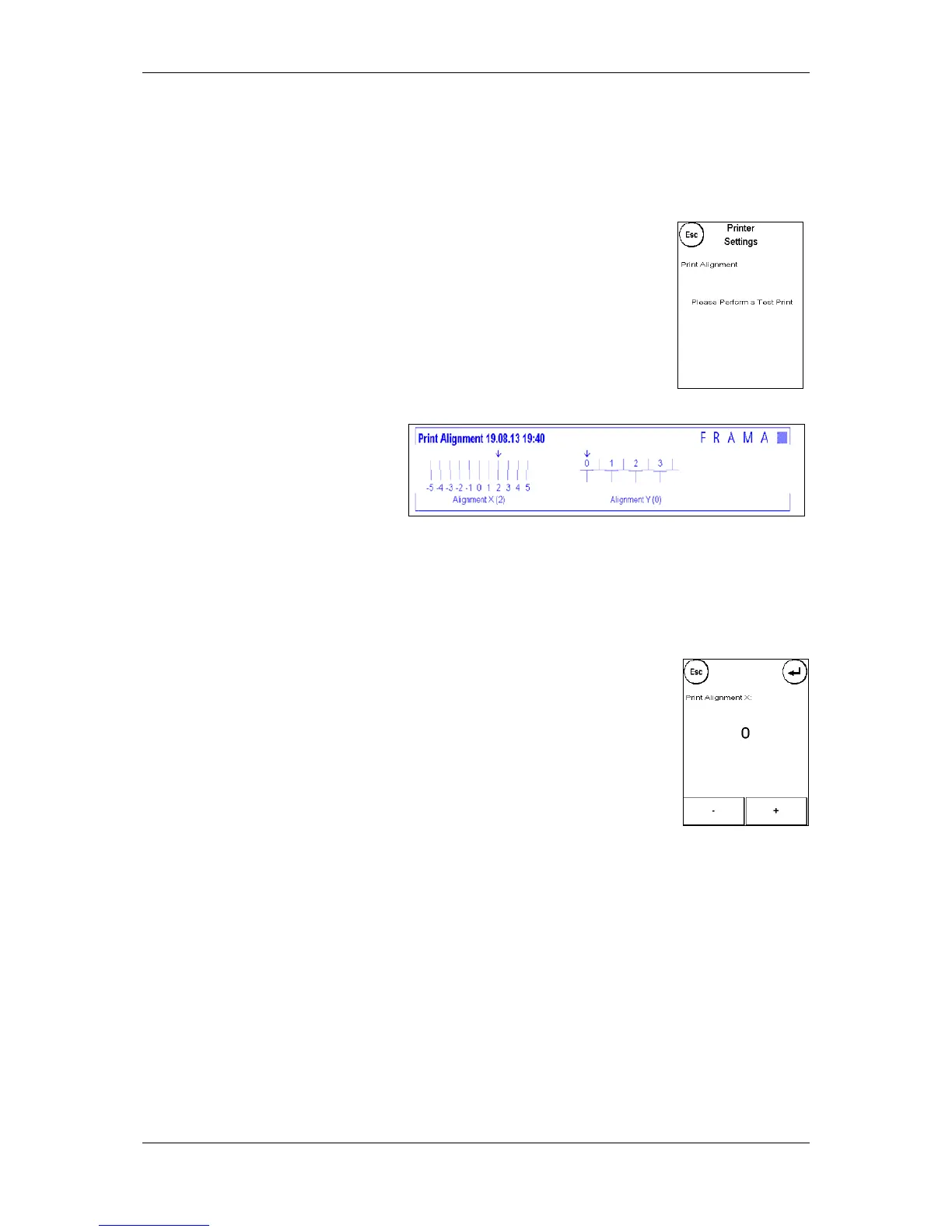
Example of a test print:
Alignment X is shown on the left and
Alignment Y on the right. The setting
currently valid for each is indicated
by an arrow. The arrows should point
to where the lines appear straightest.
If this is already the case, you only need to confirm the following displays X and Y by pressing the
ENTER key. Sometimes, however, it is necessary for you to change the setting to optimize the
results. Simply carry out the additional instructions.
This is how you should proceed: Look for the line that appears to be straightest in the Alignment X
area to the left of the test mark. Note the number beneath it, e.g. 0.
Use the + and - keys to select the right number in the display and then press
ENTER to go to the Y setting.
Again use the + and - keys to select the right number in the display and then
press ENTER.
Run a test print again when prompted to check your settings. The arrows will
now point exactly to the settings you made, i.e. right where the lines should be
straightest.
If you are still not satisfied, you can reset again by answering the prompt with NO. Press YES to save
the alignment setting.



 To Next Page