14
HP2: The max speed will be 12.0KM/H,and the default heart rate is 114hypo/min.
2. Press “MODE” button to enter age setting.Time window will show default age of 30.Owner can press
“INCLINE+”、“INCLINE -”、“SPEED+”、“SPEED -” button to choose actual age, and age range is from 15
to 80 years old.
3. After owner finish choice of age, press “MODE” button, system will recomand a suitable target hear rate
and show in screen for owner’s reference. Owner can also press “INCLINE+”、“INCLINE -”、“SPEED+”、
“SPEED -” button to choose expected target heart rate according to owner’s physical condition, and
available option range is from 84 to195.
4. After owner finish opition of age and target heart rate, press “MODE” to enter time setting. “TIME”window
will show preset time of 10:00, press “INCLINE+”、“INCLINE -”、“SPEED+”、“SPEED -”button to adjust time,
and available range is from 10:00 to 99:00.
5. Press “START” button directly to start up.
6. Under HRC mode, if you do not set any value and press “START” button directly, the system will adjust
speed and incline automatically as per the default target heart rate value.
7. Under the operation of HRC program, “INCLINE+”、“INCLINE -”、“SPEED+”、“SPEED -”buttons are
available to adjust speed and incline, but the system can also adjust speed and incline automatically to
achieve owner’s target heart rate value.
8. The first 1 min of your running is warm-up, the system will not adjust speed and incline automatically, only
manual adjustment is available in the first min.After 1 min, the system will add speed under frequency of
0.5km each time, when the value reachs the max speed, and still does not achieved target heart rate
value, system will add incline with frequency of 1 section each time in order to reach owner’s target heart
rate value, when the setting time finish, the machine will stop automatically
9. Note: Heart rate control program can only be available when chest belt is used, and chest belt must put
closely to chest and skin.
BODY TESTER:
1. In the standby state, press “PROG” repeatedly until FAT is displayed.
2. Press and hold “PROG” for approximately 3 seconds the display will show F1. Using the table below
enter all the data using the “SPEED+” and “SPEED-“ keys followed by “PROG” to set.
3. Once F5 has been entered hold onto the pulse grips. The treadmill will then calculate your index figure.
Your result can be used in the table below.
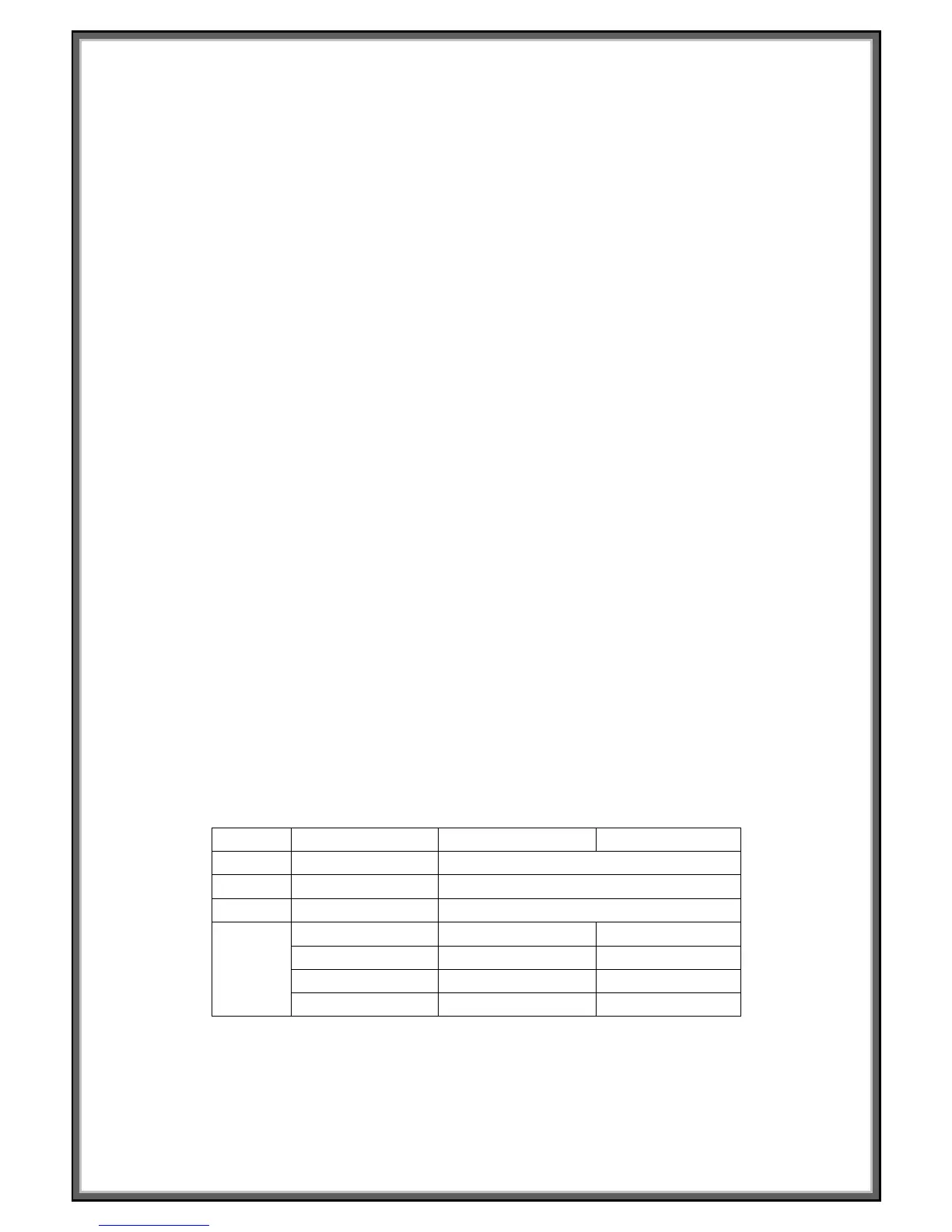
F-1 Sex 01 male 02 female
F-2 Age 10------99
F-3 Height 100----200
F-4 Weight 20-----150
F-5
FAT ≤19 Underweight
FAT =(20---25) Normal weight
FAT =(26---29) Overweight
FAT ≥30 Obese
(PLEASE NOTE: This data is just for reference, cannot be used as medical data.)


 To Next Page