FRITZ!App WLAN
FRITZ!AppWLAN includes a feature to evaluate the position of the
FRITZ!Repeater. This feature assists you in finding the best location for
the FRITZ!Repeater.
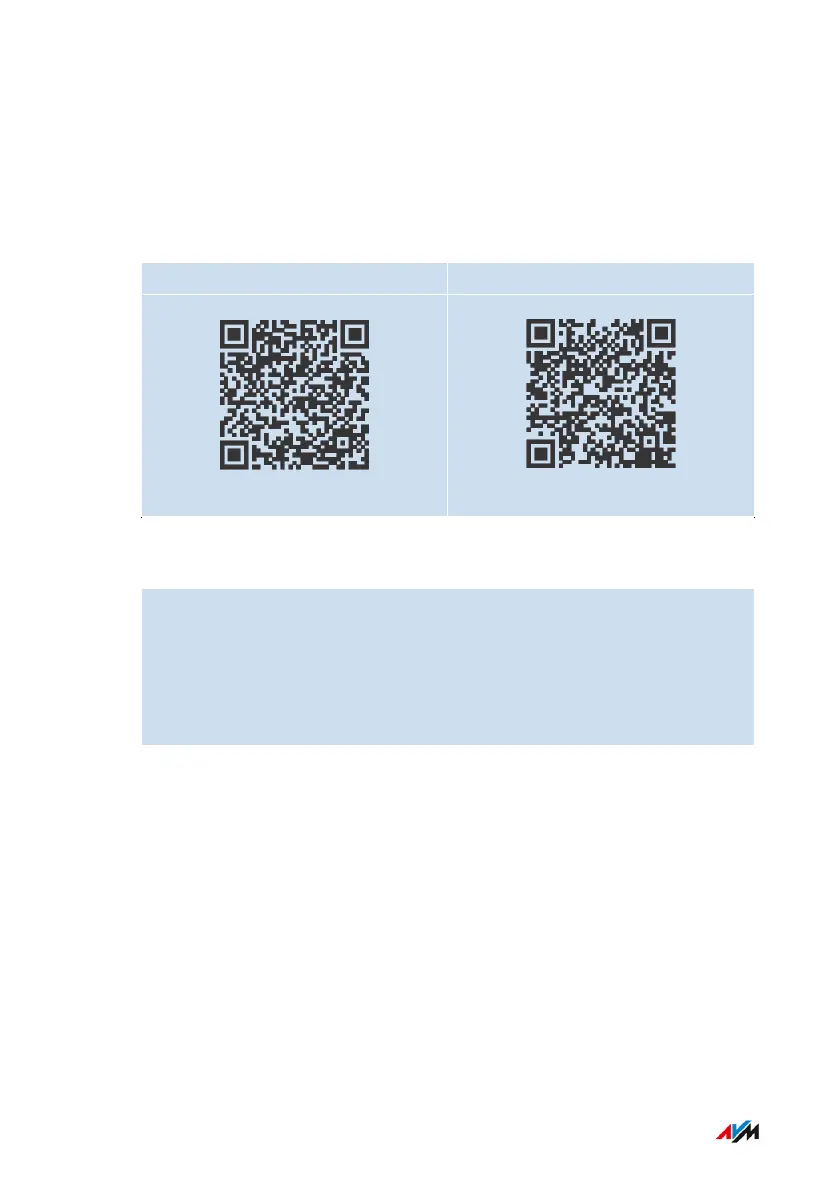
FRITZ!AppWLAN can be downloaded for free:
Google Play Store App Store (iOS)
Instructions: Positioning FRITZ!Repeater with FRITZ!AppWLAN
1. Start FRITZ!AppWLAN.
2. Tap on the “My Repeaters” button under “My Wi-Fi”.
3. Tap on “Evaluate Repeater Position”.
If the FRITZ!Repeater is not in an optimum position, you will re-
ceive tips for improving the range of the Wi-Fi network.
FRITZ!Repeater 6000 34
Connecting
• • • • • • • • • • • • • • • • • • • • • • • • • • • • • • • • • • • • • • • • • • • • • • • • • • • • • • • • • • • • • • • • • • • • • • • • • • • • • • • • • • • • • • • • • • • • • • • • • • • • • • • •
• • • • • • • • • • • • • • • • • • • • • • • • • • • • • • • • • • • • • • • • • • • • • • • • • • • • • • • • • • • • • • • • • • • • • • • • • • • • • • • • • • • • • • • • • • • • • • • • • • • • • • • •















 To Next Page