Enabling Mesh for the FRITZ!Repeater
Overview
When the FRITZ!Repeater is connected with the FRITZ!Box, check
whether Mesh is enabled for the FRITZ!Repeater. If Mesh is not en-
abled yet, enable Mesh now.
Requirements
• FRITZ!Box with FRITZ!OS7.00 or higher.
The FRITZ!OS version of your FRITZ!Box is found in the user inter-
face of the FRITZ!Box; see page37.
Instructions: Checking Whether Mesh is Enabled
1. Open the FRITZ!Box user interface. In the browser, enter the ad-
dress http://fritz.box.
2. Select “Home Network / Mesh”.
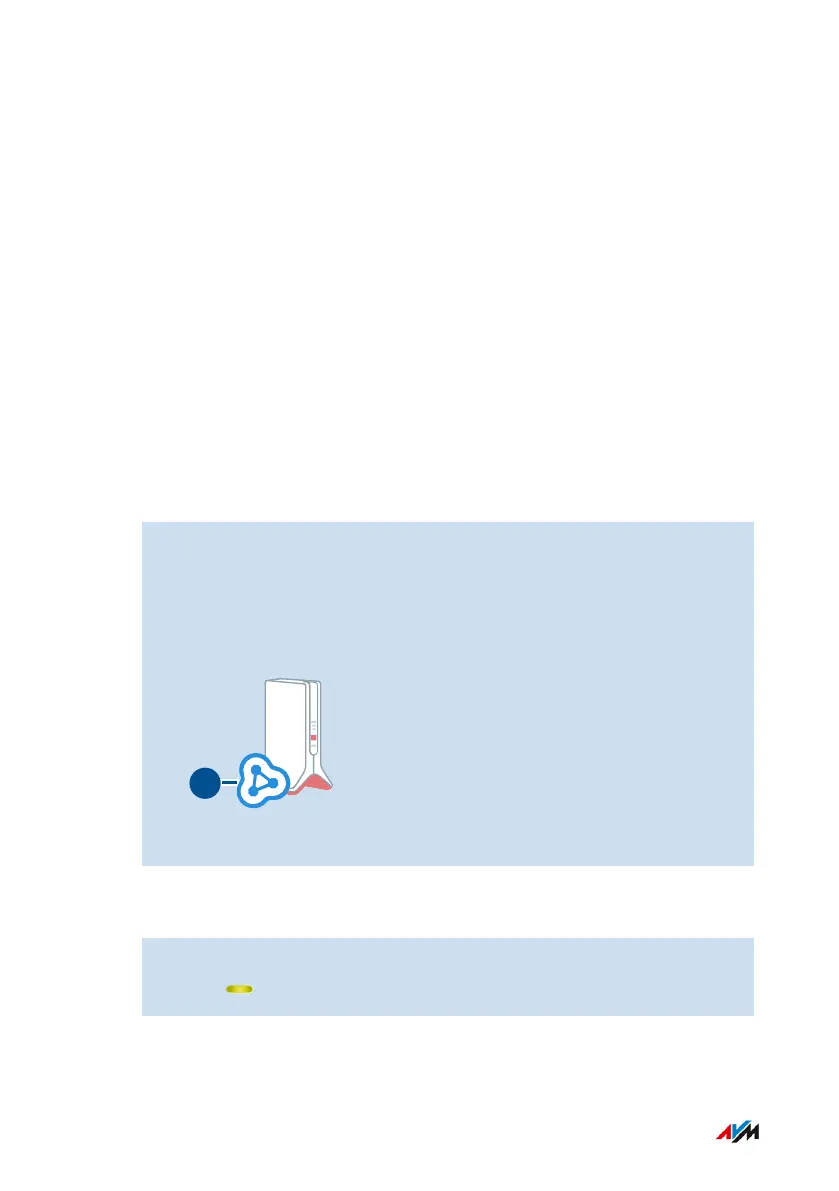
3. Check whether the FRITZ!Repeater is displayed in the Mesh
Overview with the “Meshenabled” (1) symbol.
4. If the symbol is missing, then enable Mesh.
Instructions: Enabling Mesh for FRITZ!Repeaters
1. Press briefly on the “Connect” button on the FRITZ!Repeater.
The LED flashes.
FRITZ!Repeater 6000 38
Mesh
• • • • • • • • • • • • • • • • • • • • • • • • • • • • • • • • • • • • • • • • • • • • • • • • • • • • • • • • • • • • • • • • • • • • • • • • • • • • • • • • • • • • • • • • • • • • • • • • • • • • • • • •
• • • • • • • • • • • • • • • • • • • • • • • • • • • • • • • • • • • • • • • • • • • • • • • • • • • • • • • • • • • • • • • • • • • • • • • • • • • • • • • • • • • • • • • • • • • • • • • • • • • • • • • •















 To Next Page