56
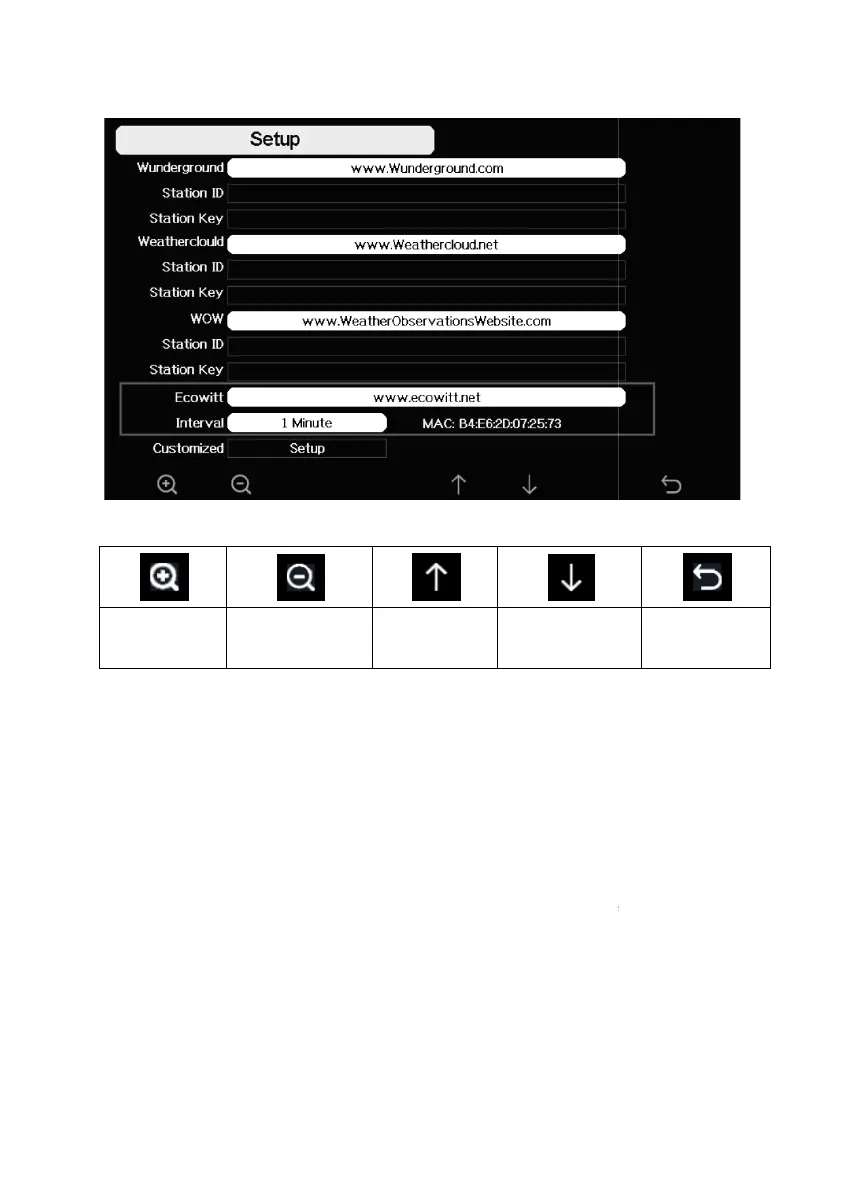
5.6.15.5 Ecowitt.net server setup
Figure 23: Ecowitt Server setup screen
scroll value
up
scroll value
down
Scroll field
up
Scroll field
down
To register with Ecowitt follow these steps:
1) On the Weather Server page,
set the reporting interval time
minute).
2) Visit the website: https://www.ecowitt.net
on your computer and finish
the registration on the page.
Press the upper left menu button and select Devices.
Press Add Device and input all the information needed
address can be found on the Weather Server page).
Press Save.
Press Dashboard on the menu. Your sensor data would be available on
the dashboard within several minutes.
return to
Setup
set the reporting interval time
(default: 1
on your computer and finish
Press Add Device and input all the information needed
(The MAC
Press Dashboard on the menu. Your sensor data would be available on



 To Next Page