57
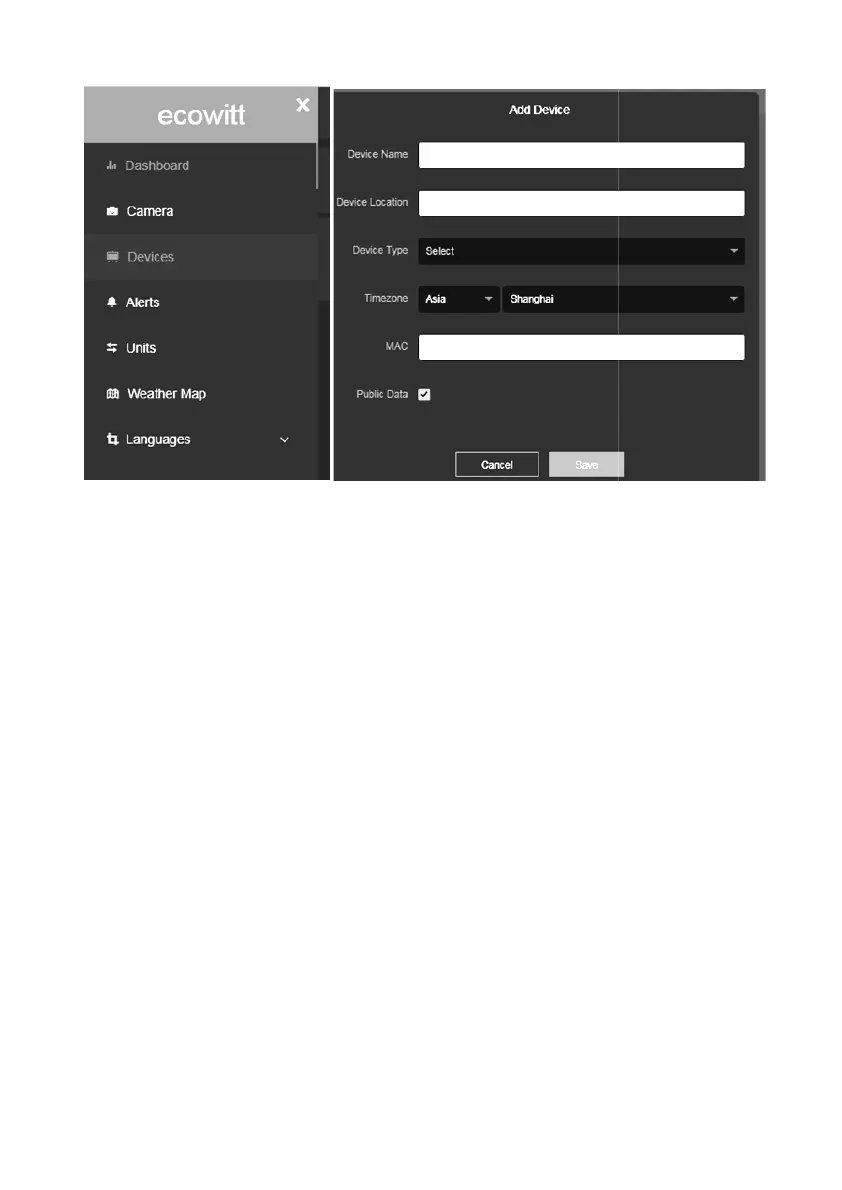
Note: When select device address on map, please wait till the map display
before select your address.
Note: Please put in the correct time zone to get the correct time. Because the
time will be updated to internet time automatically while WIFI connection.
You may add a shortcut to the ecowitt.net website on the home page of your
phone so that you can visit it just like opening an app.
5.6.15.6 Viewing data on ecowitt.net
You can observe your sensor’s data by using the
will use a URL like this one, where your station ID replaces the text
“STATIONID”.
https://www.ecowitt.net/home/index?id=STATIONID
Note: If you want to share your station data with other users, you’ll need to set
your data to be public. Other users need to log in the ecowitt.net first to view
your data.
It will show a page such as this, where you can look at today’
historical data as well.
Note: When select device address on map, please wait till the map display
Note: Please put in the correct time zone to get the correct time. Because the
time will be updated to internet time automatically while WIFI connection.
You may add a shortcut to the ecowitt.net website on the home page of your
web site. You
will use a URL like this one, where your station ID replaces the text
Note: If you want to share your station data with other users, you’ll need to set
your data to be public. Other users need to log in the ecowitt.net first to view
It will show a page such as this, where you can look at today’
s data and



 To Next Page