24
8. Wind direction 17. WIFI icon
9. MAX/MIN Daily 18. DST
6.2. Initial Display Console Set Up
Connect the power adapter to power up the display console.
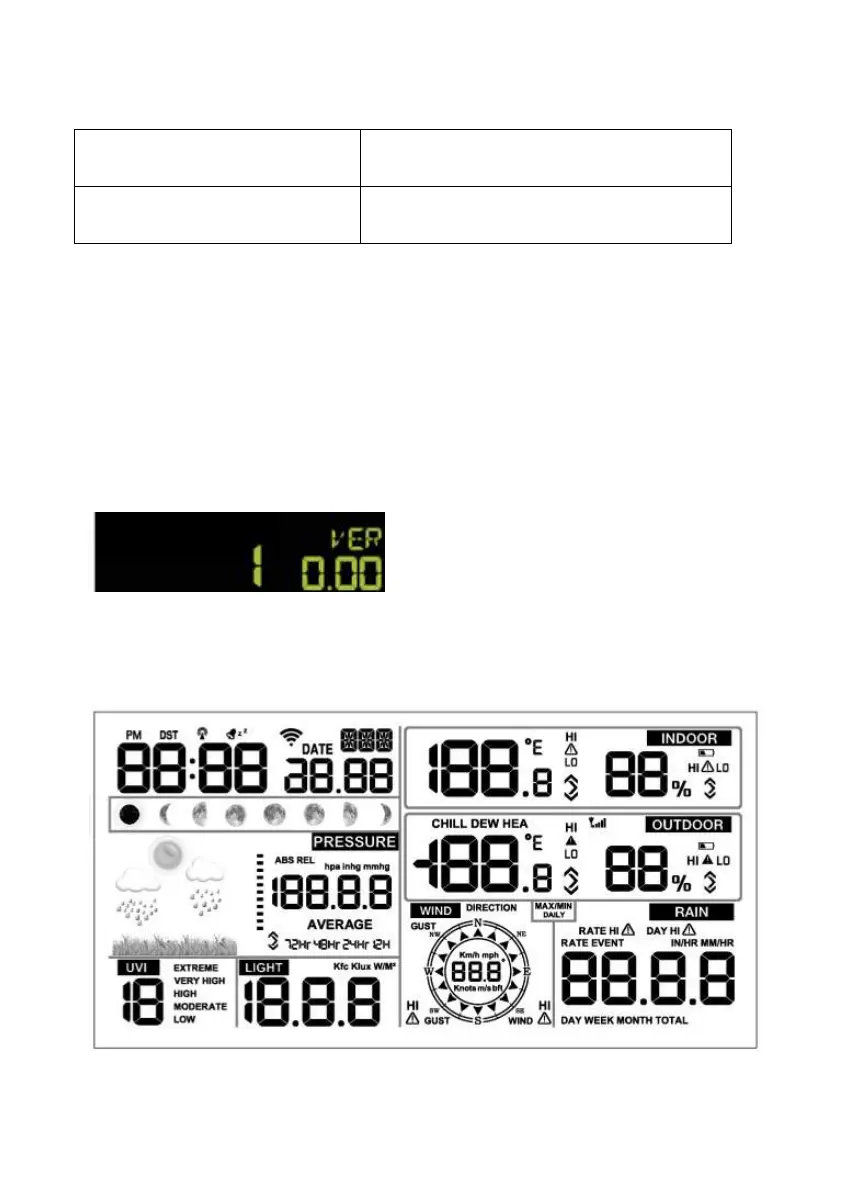
The unit will show software version number 2 seconds after power
reset.
The unit will turn on all segments of the LCD for 3 seconds after power
reset, the unit will start to register the outdoor channel for 3 minutes.



 To Next Page