34
6.5 Alarm mode
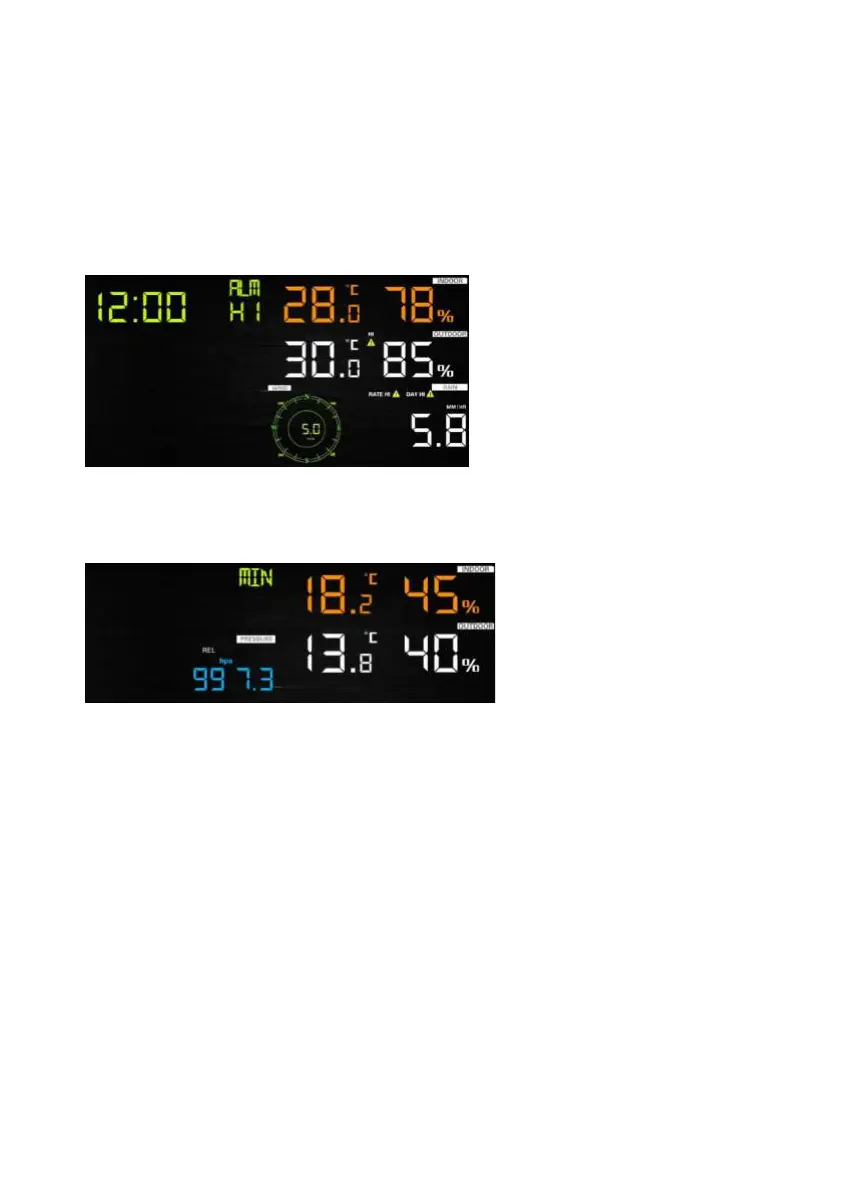
6.5.1 Display of Alarm value
1) Press and release ALARM key to display high alarm
2) Press ALARM key again to display low alarm
Note:
- Press RAIN key to select display rate or day rain alarm data.
- Press WIND/+key to select display wind or gust alarm data.
- Press ALARM key third time or press LIGHT /SNOOZE key back to
normal mode
6.5.2 Alarm mode setting:
1) Press and hold for 2 seconds ALARM key enter alarm setting



 To Next Page