59
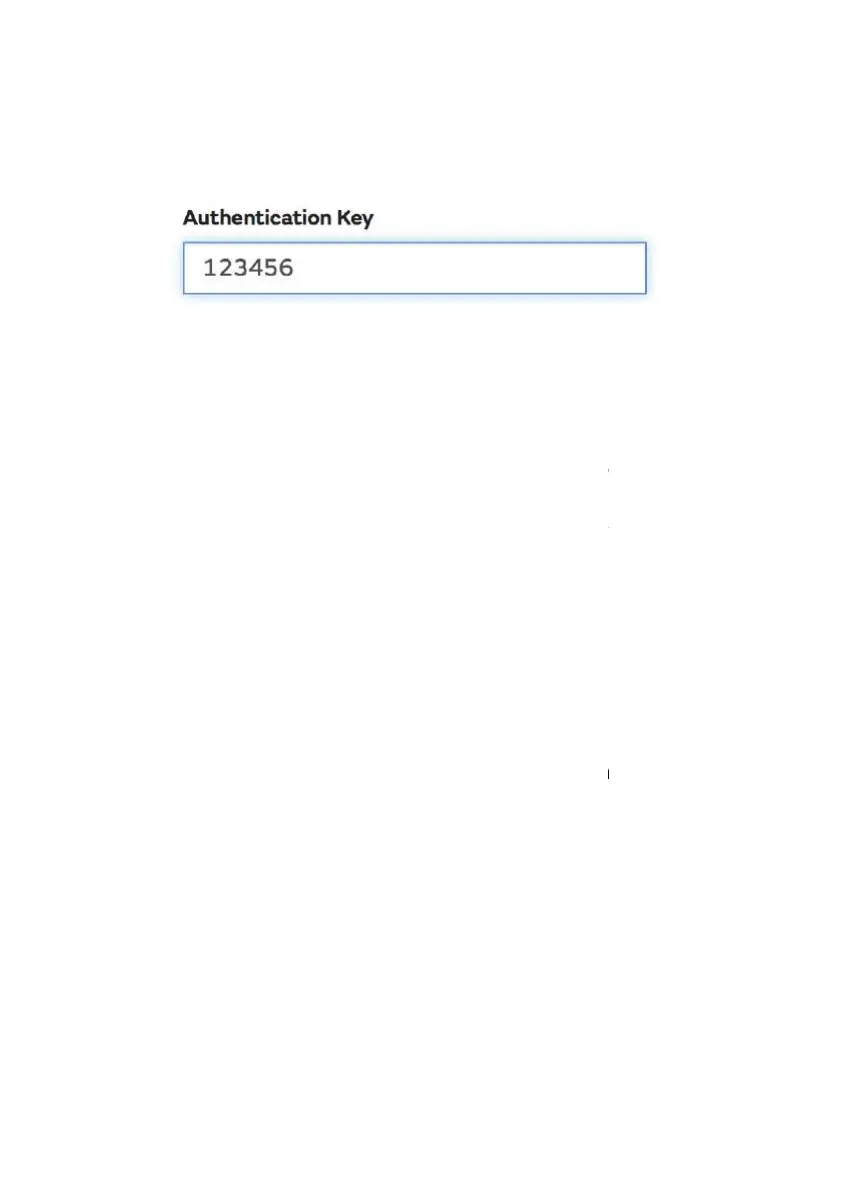
gefunden werden.) and filling out the with a 6-
choice:
You will
need both “Site ID” and “Authentication Key” to setup the upload
configuration for WOW in the Weather Server.
In your mobile application, navigate to the “Device List
the device you want to configure WOW for. You will then be shown the
“
wunderground.com” configuration. Please ignore and tap “Next” to see
the “Weathercloud” configuration. Please press “Next” one more time
and you will now be on the screen where you will configure WOW.
On this screen you will fill out “Station ID” with the
and “Station Key” with the WOW “Authentication Key” you created.
Press “Save” to finalize the configuration.
8.1.2.2 iOs user:
Activate the application you have downloaded on your mobile device.
The main screen will indicate your station is off-
line (because it is not yet
connected to Wi-Fi).
need both “Site ID” and “Authentication Key” to setup the upload
the device you want to configure WOW for. You will then be shown the
wunderground.com” configuration. Please ignore and tap “Next” to see
the “Weathercloud” configuration. Please press “Next” one more time
and you will now be on the screen where you will configure WOW.
and “Station Key” with the WOW “Authentication Key” you created.
Activate the application you have downloaded on your mobile device.
line (because it is not yet



 To Next Page