58
Begin setting up a new site by clicking “Enter a Site”:
You will be presented with a form where you detail your station’s location
and a bunch of other sett
ings related to how you wish the site to operate.
After you complete the setup, you should see:
Make sure you are (still) logged in to the WOW site. Login as necessary.
Now click on “My Sites” in the navigation bar at the top. If you have only
1 site, yo
u will now be shown its page. If you have multiple, you will have
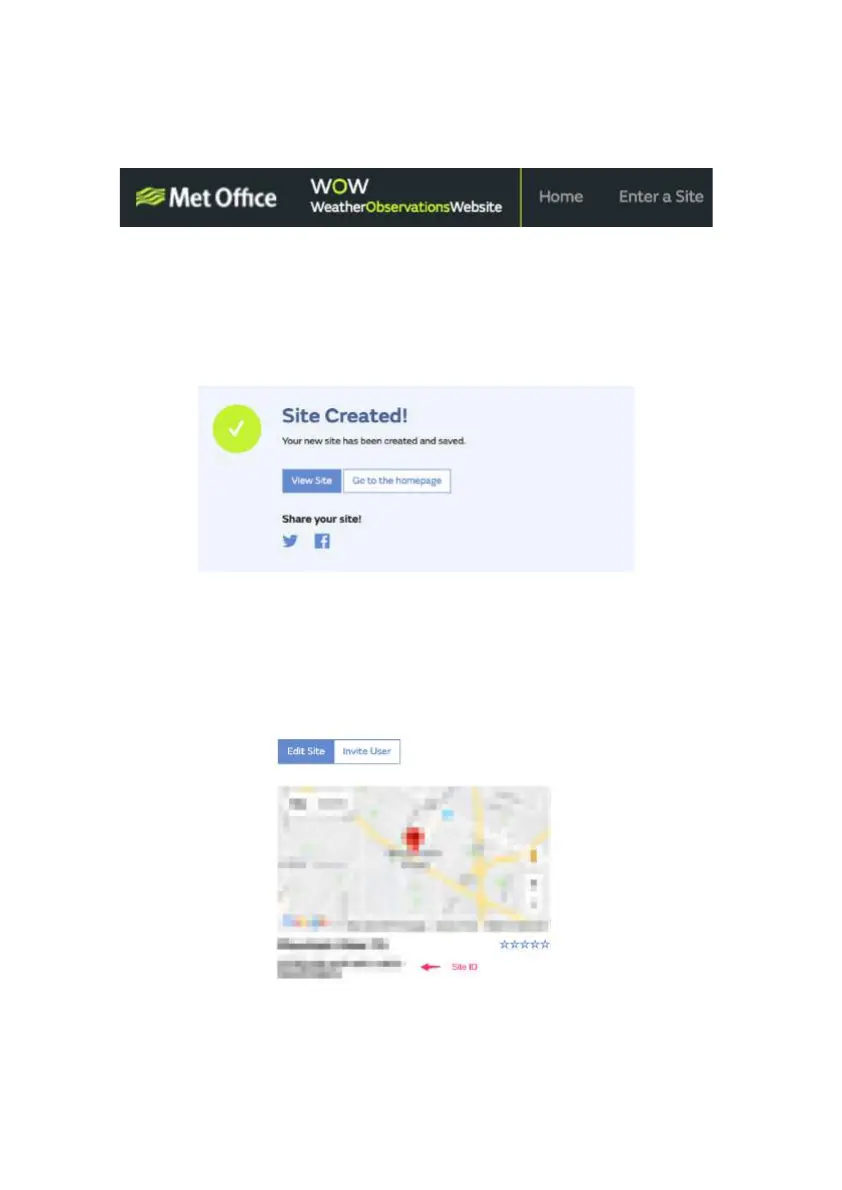
to choose the correct one first. On this page, you will find the site id just
below the map:
You will also need to establish a unique 6 digits PIN code that you
should keep secret. It is t
he “Authentication Key.” Setup this number by
clicking on “Edit Site”) (
Fehler! Verweisquelle konnte nicht
You will be presented with a form where you detail your station’s location
ings related to how you wish the site to operate.
Make sure you are (still) logged in to the WOW site. Login as necessary.
Now click on “My Sites” in the navigation bar at the top. If you have only
u will now be shown its page. If you have multiple, you will have
to choose the correct one first. On this page, you will find the site id just
You will also need to establish a unique 6 digits PIN code that you
he “Authentication Key.” Setup this number by
Fehler! Verweisquelle konnte nicht



 To Next Page