32
Note: every 60 second the unit will measure indoor temperature, indoor
humidity and pressure. If temperature is to lower than minimum range,
will display --.-, if it is higher than highest range, will display --.-.
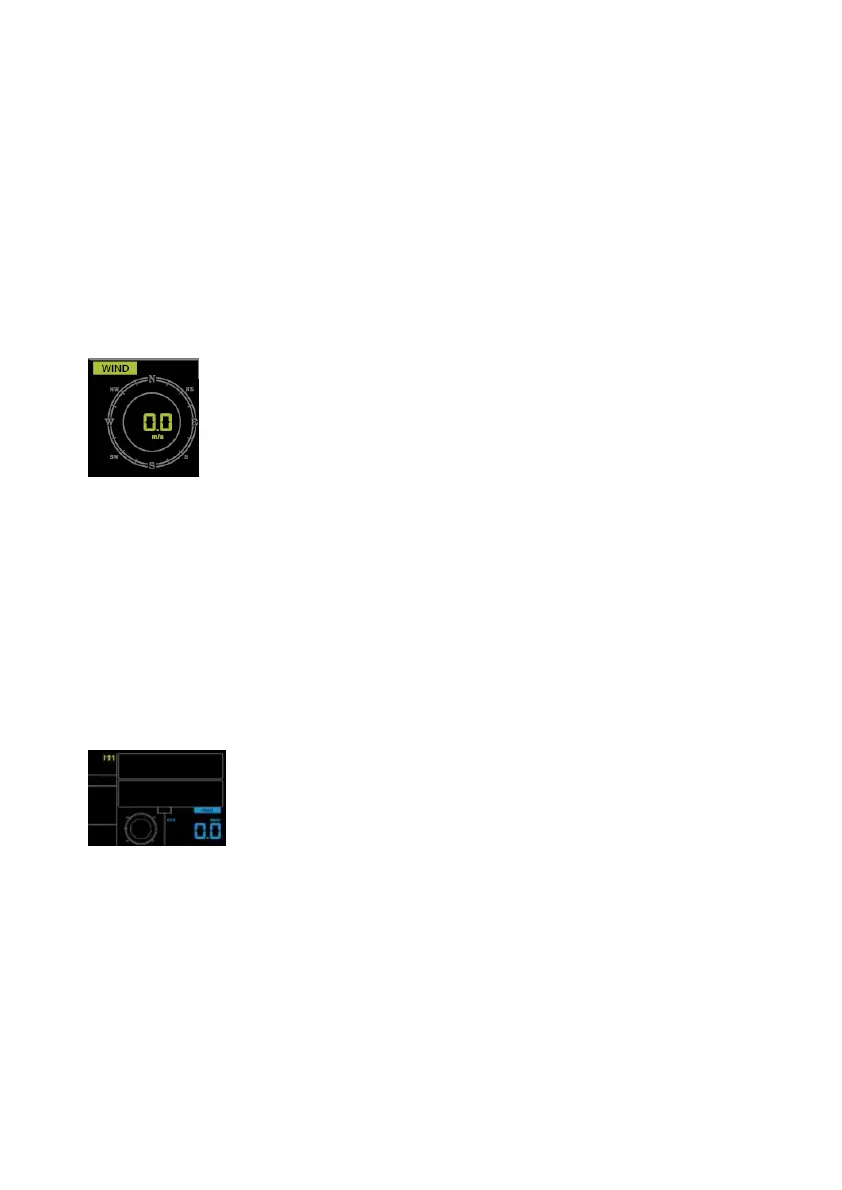
6.4.9 Wind speed
- Press the SETkey 16th to select wind speed unit ( km/h, mph, knots,
m/s, bft;default: km/h ).
- In normal mode,press and release the WIND/+ key to view the wind,
gust and wind direction.
6.4.10 Rain
- Press the SETkey 17th to select rainfall unit ( in/mm; default: mm).
- In normal mode,press and release the RAIN key to view rain of rate,
event, day, week, month and total.
- Press the RAIN key for 2 seconds to reset current display rain.
Note:



 To Next Page