17
Note: Use the bubble level next to the rain sensor to make sure sensor
array is completely level.If the sensor is not level,the rain gauge,UV and
solar radiation sensors will not measure properly.
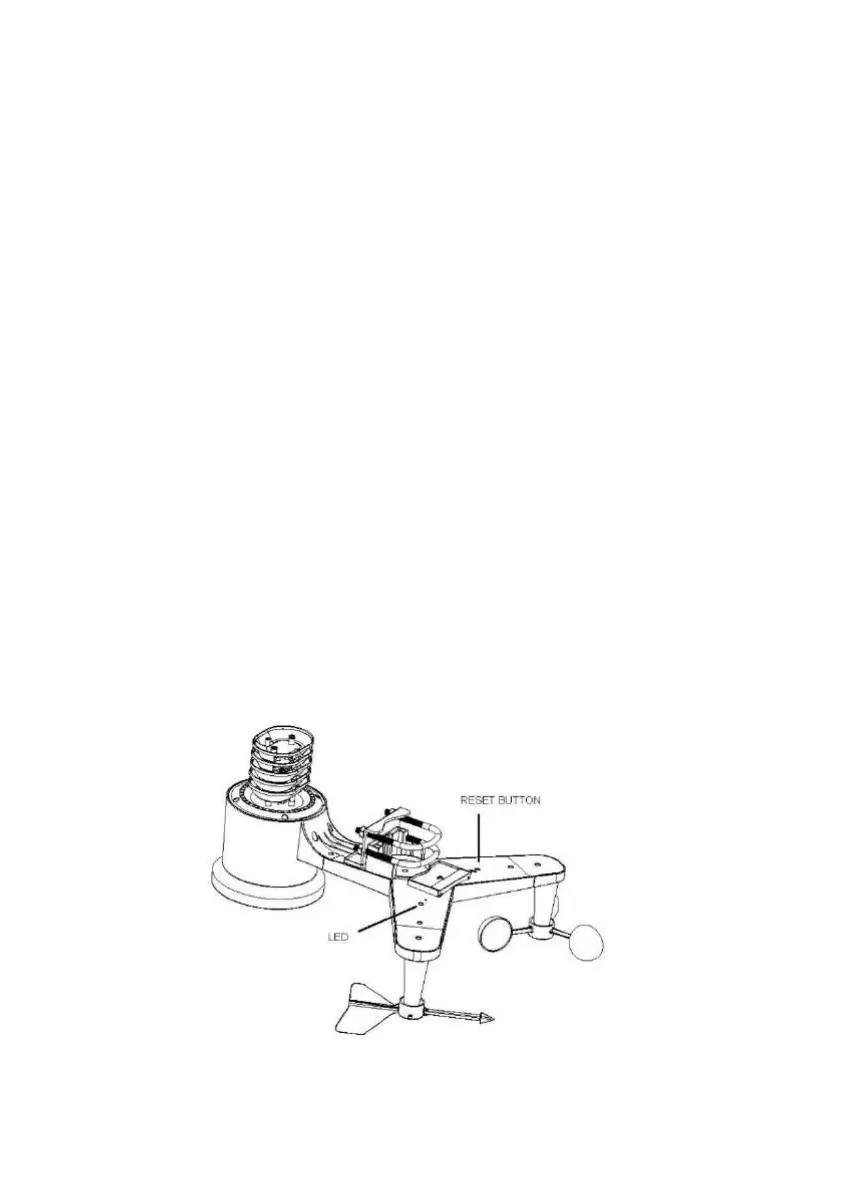
5.2.6 Reset Button and Transmitter LED
In the event the sensor array is not transmitting, reset the sensor array.
With an open ended paperclip, press and hold the RESET BUTTON for
three seconds to completely discharge the voltage.
Take out the batteries and wait one minute, while covering the solar
panel to drain the voltage.
Put batteries back in and resynchronize with console by powering down
and up the console with the sensor array about 3 meter away.
Figure 11



 To Next Page