29
- Press the SET key again time to select day.
Note: Press the WIND/+or PRESSURE/-key to set the value.
Note: If user to change minute value, second will auto clear to 0.
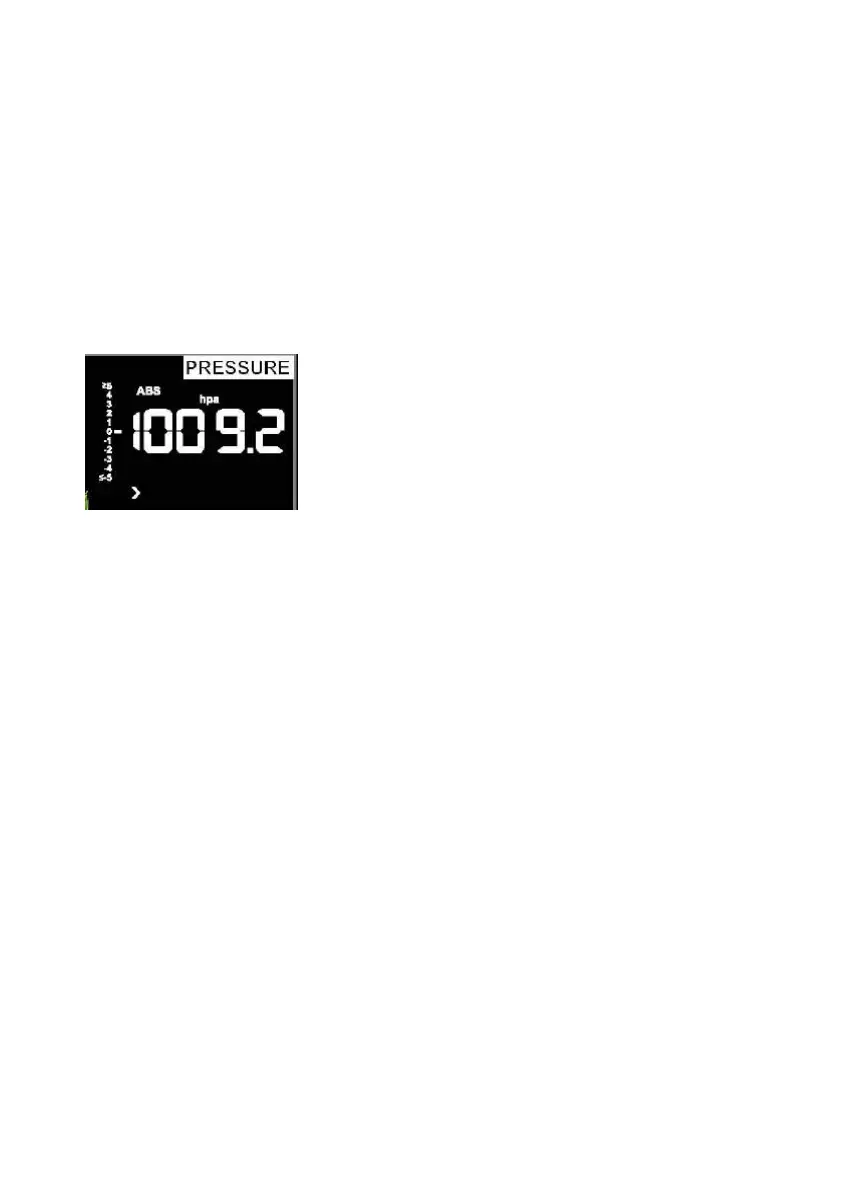
6.4.6 Pressure
1) Viewing Absolute vs. Relative Pressure
To switch between absolute and relative pressure, press and hold the
[PRESSURE -] button for two seconds.
Absolute pressure is the measured atmospheric pressure, and is a
function of altitude, and to a lesser extent, changes in weather
conditions.
Absolute pressure is not corrected to sea-level conditions.
Relative pressure is corrected to sea-level conditions.
2) Rate of Change of Pressure Graph



 To Next Page