25
6.3 Key function
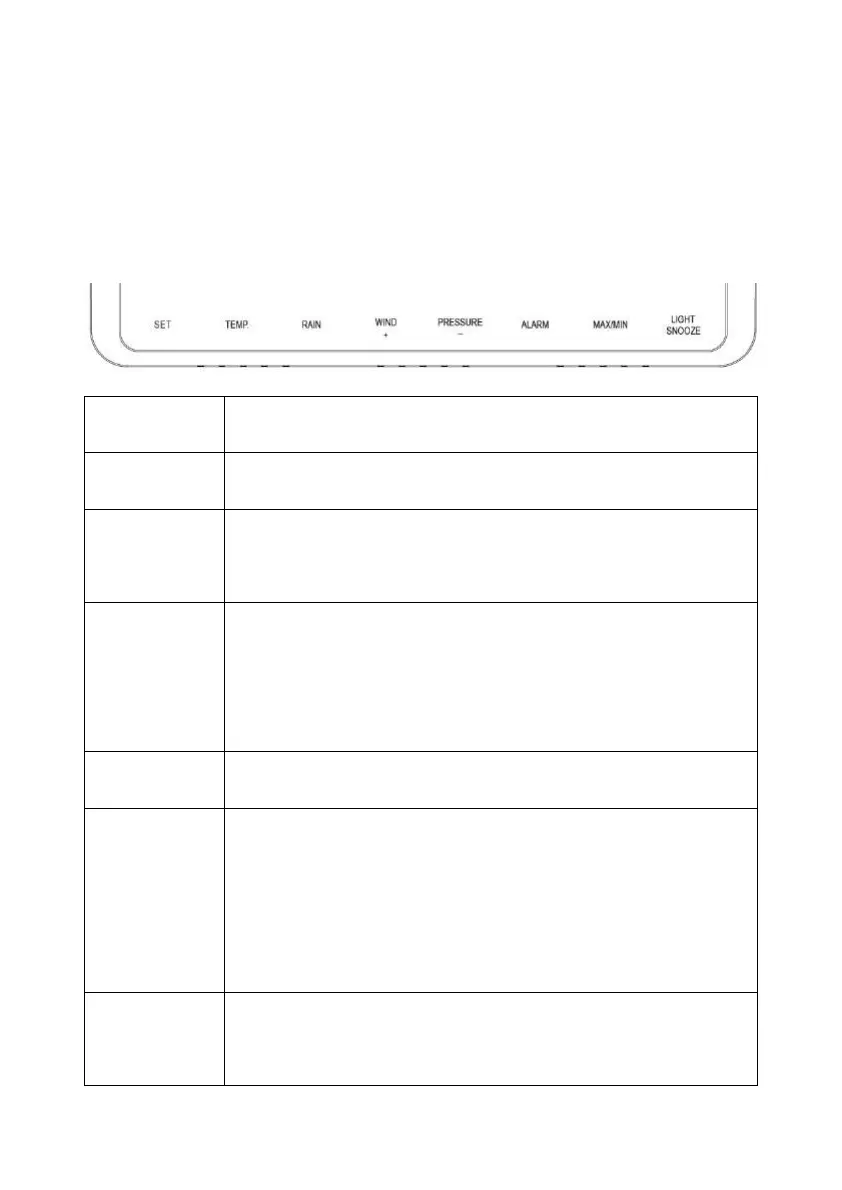
The console has eight keys for easy operation
Key Description
SET
Hold this key to enter setting mode
TEMP.
Press this key to view wind Chill, Heat Index, Dew
Point Temperature
RAIN
Press this key to view Rain Rate, event, Rain Day,
Rain Week, Rain Month, and Rain total
Press the RAIN key 2s to reset current display rain
WIND +
Press this key to view wind/gust and wind direction
PRESSURE
Press this key to view Absolute Pressure average of
12hr, 24hr, 48hr and 72hr
Press and hold 2s this key to view the absolute and
relative pressure
ALARM
Press this key to view the alarm value of Temperature /
Humidity/rain rate/rain day/wind



 To Next Page