Original manual – Iss. 0.1 User manual – BM 3E Freezer 15/ 44
6.2 Main screen
6.2.1 Essential model
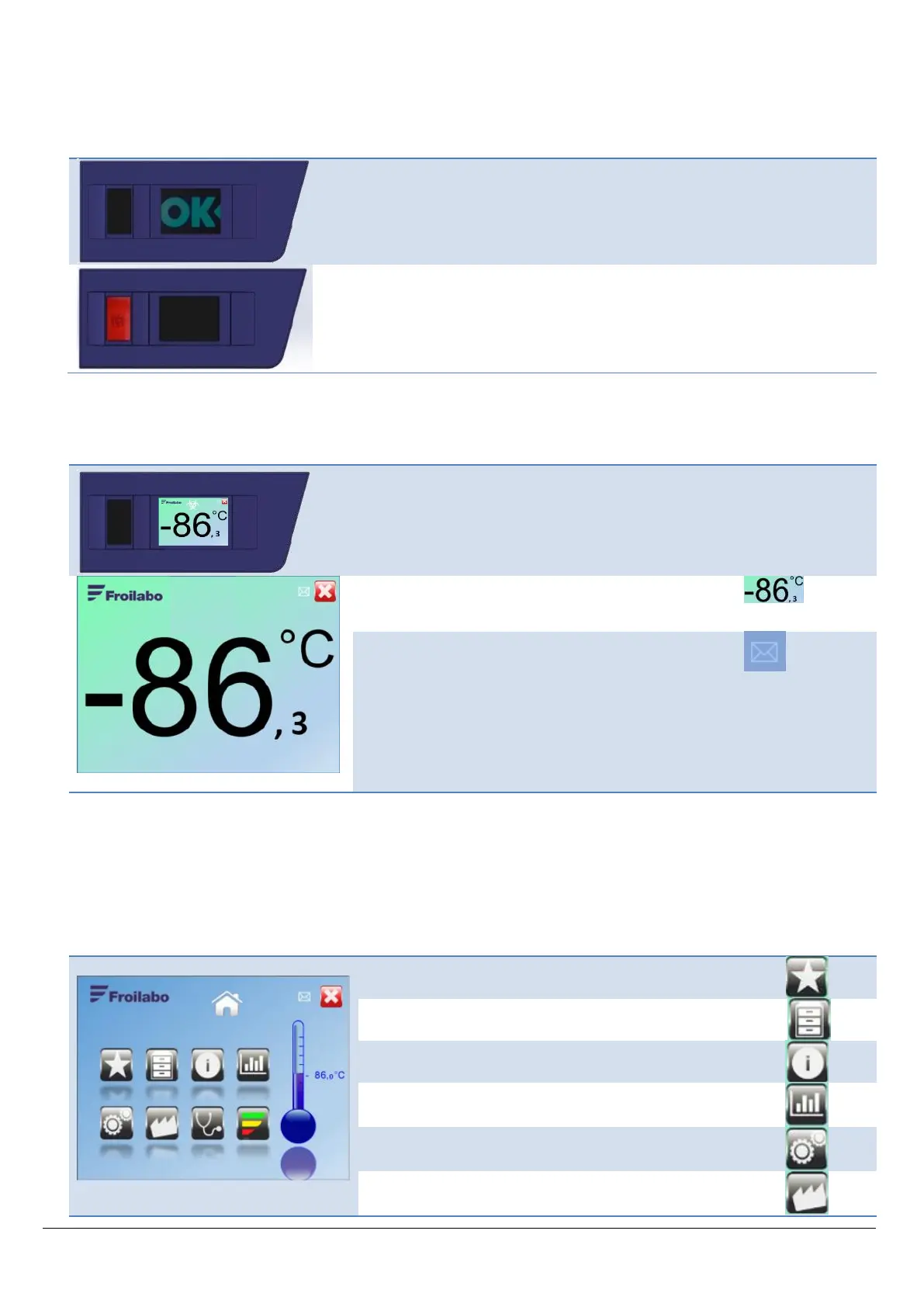
The image opposite is displayed at all times.
In the event of a malfunction, the screen turns off and the
red indicator flashes. A buzzer sounds intermittently.
When the freezer is in use, the screen opposite is
displayed at all times.
The envelope flashes when a new message is added.
The biohazard or radiation symbols may be shown at the
top of this screen. These visual reminders can be
configured in the user preferences.
6.3 Home screen
Press anywhere on the main display to show the Home screen.
The Home screen provides access to all available menus.
If the screen is not touched for 1 minute, the main display automatically resumes.
Factory menu (password required)


 To Next Page