17
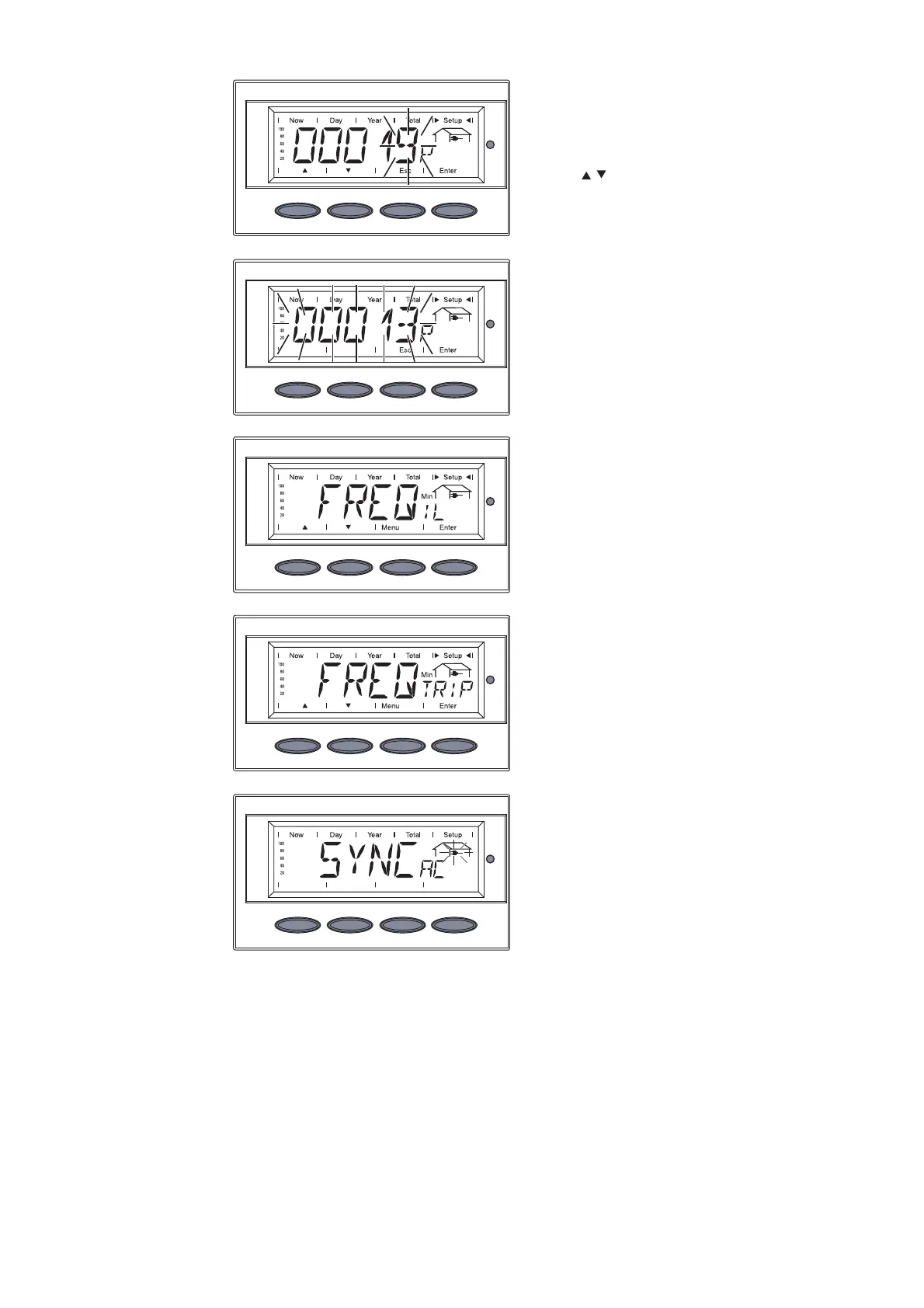
The fifth digit flashes.
13. Use the ‘Up’ and ‘Down’ keys to
select a value for the fifth digit
14. Press the ‘Enter’ key
The value of ‘FREQTRIP
Min
’
flashes.
15. Press the ‘Enter’ key
The new value of ‘FREQTRIP
Min
’
is accepted, the display swit-
ches between ‘FREQIL
Min
’ and
...
... ‘FREQTRIP
Min
’.
16. Press the ‘Esc’ key to exit the
setup menu for field adustable
trip points.
The inverter starts the startup
phase with the grid synchroni-
zation.
For more information about the startup phase, please see the operating
instructions for the inverter, chapter 'Operation', section 'Product Descrip-
tion' (Startup Phase, Test Procedure).
Setting Ex-
ample
(continued)



 To Next Page