EasyManua.ls Logo

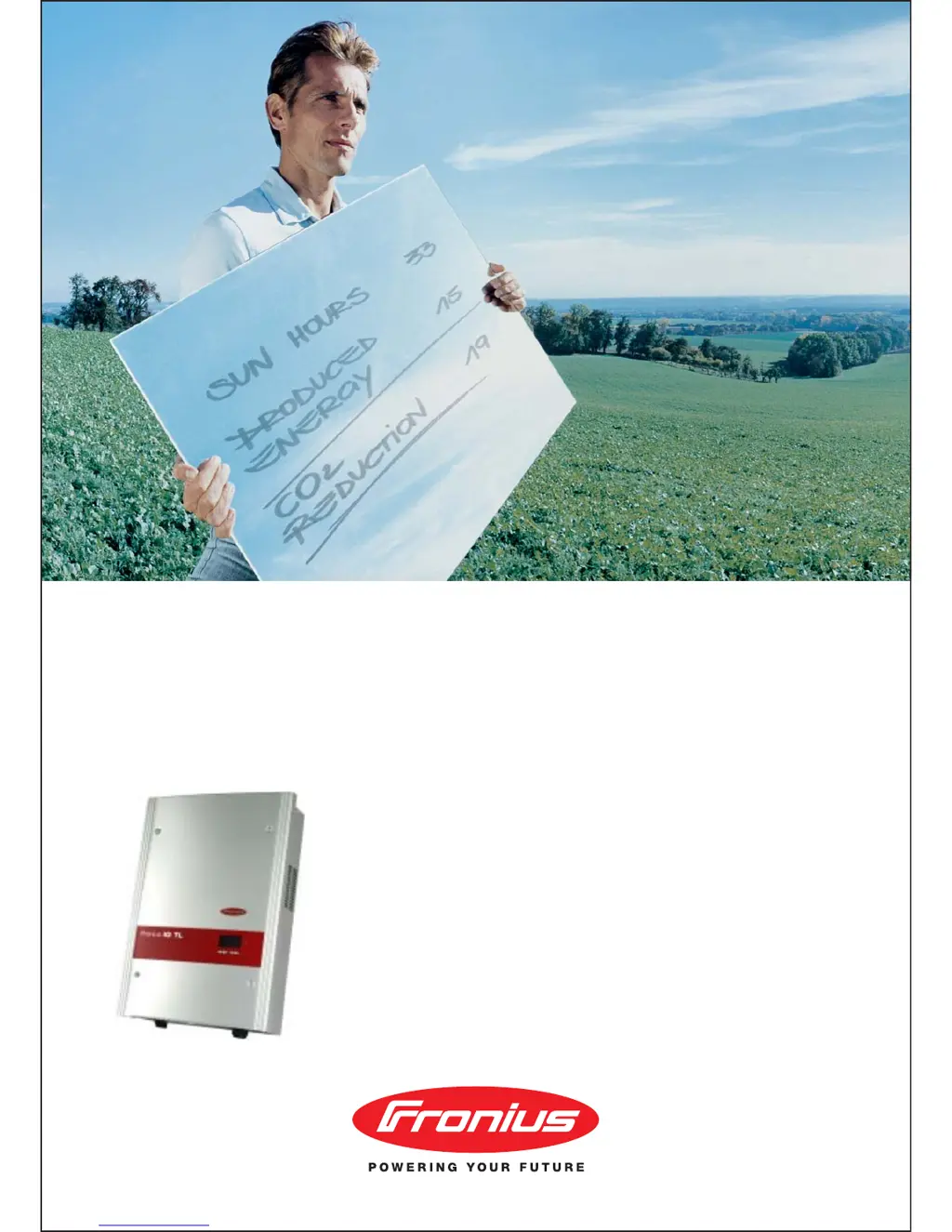
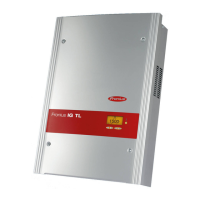
Fronius IG-TL 3.6 - User Manual

Fronius IG-TL 3.6
140 pages
Print Icon
To Next Page IconTo Next Page
Loading...
42,0426,0074,EA 03/2011
Fronius IG-TL 3.0 / 3.6 / 4.0 / 4.6 / 5.0
g
Operating Instructions
Inverter for grid-connected photo-
voltaic systems

Table of Contents

Questions and Answers

  • J
    Jennifer BurnsSep 6, 2025
    What to do if Fronius IG-TL 3.6 Inverter shows fixed voltage setting error?
    • C
      Christine SingletonSep 7, 2025
      If the 'fixed voltage' setting has been selected instead of MPP voltage operation and the voltage is set to a value that is too low or too high on your Fronius Inverter, remove excess solar modules so DC voltage fits within inverter limits. If the status code persists, contact a Fronius-trained service technician.
  • E
    Eric MackAug 21, 2025
    What to do if the Fronius IG-TL 3.6 Inverter display fails completely?
    • J
      Jordan JohnsonAug 22, 2025
      If the Fronius Inverter display is completely blank, there might be an issue with the photovoltaic system if the open circuit voltage is less than 350 V. If the open circuit voltage is greater than 350 V, this may indicate a basic fault in the inverter, so notify a Fronius-trained service technician. Also, ensure the AC voltage at the inverter's connections is 230 V (+ 10 % / - 15 %).
  • M
    Mrs. Kayla AustinSep 3, 2025
    What to do if Fronius IG-TL 3.6 Inverter DC input voltage is too high?
    • J
      Jason CarsonSep 3, 2025
      If your Fronius Inverter shows that the DC input voltage is too high, the fault should rectify automatically. If this status code keeps recurring, contact your system installer.
  • M
    Mary KingSep 2, 2025
    What to do if Fronius IG-TL 3.6 interior temperature is too high?
    • N
      Nancy WashingtonSep 2, 2025
      If your Fronius Inverter indicates that the interior temperature is too high, you can clean the cool air vents and cooling elements with compressed air, if required. The fault should rectify automatically. If this status code keeps recurring, contact your system installer.
  • K
    Kenneth Carroll DDSAug 31, 2025
    What to do for over-temperature cooling element on Fronius IG-TL 3.6 Inverter?
    • E
      Eddie FordSep 1, 2025
      If your Fronius Inverter displays an over-temperature warning for the cooling element, the fault should rectify automatically. If this status code keeps recurring, contact your system installer.
  • R
    Rachel FlemingAug 30, 2025
    What to do if Fronius IG-TL 3.6 RCMU detects a fault current?
    • T
      Taylor BraunAug 30, 2025
      If the RCMU in your Fronius Inverter detects a fault current, check the grid connections or fuses. If this status code continues to appear, contact your system installer.
  • K
    Kari PetersonAug 29, 2025
    What to do if Fronius Inverter shows no AC grid detected?
    • T
      troywrightAug 29, 2025
      If your Fronius Inverter isn't detecting an AC grid, begin by checking the grid connections. If the status code continues to appear, it's best to contact your system installer for assistance.
  • H
    Holly MorganAug 27, 2025
    What to do if Fronius IG-TL 3.6 Inverter AC frequency is too low?
    • S
      Sue HoffmanAug 27, 2025
      If the AC frequency of your Fronius Inverter is too low, check the grid connections. If the issue continues, contact your system installer.
  • T
    Timothy TrujilloAug 26, 2025
    What to do if Fronius IG-TL 3.6 Inverter AC frequency is too high?
    • C
      Christopher KimAug 27, 2025
      If your Fronius Inverter shows that the AC frequency is too high, you should check the grid connections. If the status code keeps recurring, contact your system installer.
  • W
    Willie DiazAug 25, 2025
    What to do if Fronius IG-TL 3.6 Inverter AC voltage is too low?
    • T
      Thomas Phillips MDAug 26, 2025
      If your Fronius Inverter displays a message indicating the AC voltage is too low, start by inspecting the grid connections. If the problem persists, contact your system installer.

Summary

Safety Rules and Measures

General Safety Guidelines

Covers device manufacturing, safety standards, and qualified personnel requirements.

General Information on the Inverter

Protection of Persons and Equipment

Details inverter safety features and grid monitoring functions.

Installation and Startup Procedures

Choosing the Installation Location

Criteria for selecting a suitable location, including clearance and environmental conditions.

AC Grid Connection

Instructions for connecting to the public grid, including cable types and safety.

Connecting Solar Module Strings (DC)

Steps for connecting solar modules, including safety and polarity reversal protection.

First Startup Procedure

Steps for initial inverter startup, including pre-set configuration and settings.

Inverter Operation and Settings

Updating Inverter Software

Procedure for updating inverter software using a USB stick.

Activating Solar Module String Monitoring

Steps to activate and configure solar module string monitoring.

Troubleshooting and Maintenance

Status Diagnosis and Codes

How the inverter displays operational issues and status codes.

Class 4 Status Codes

Codes requiring intervention from a service technician (e.g., communication errors).

Maintenance Procedures

Safety precautions and steps for opening the inverter for service.

Replacing String Fuses

Procedure and safety for replacing string fuses in the inverter.

Appendix and Compliance

Technical Data for all Models

Specifications for Fronius IG TL 3.0, 3.6, 4.0, 4.6, and 5.0 models.

Fronius IG-TL 3.6 Specifications

General IconGeneral
ModelIG-TL 3.6
Rated Power3.6 kW
Max. Apparent AC Power3.6 kVA
AC Nominal Power3.6 kW
Maximum AC Power3.6 kW
AC Nominal Voltage230 V
AC Frequency50 / 60 Hz
Max. Output Current16 A
THD<3%
Max. DC Voltage550 V
Maximum DC Input Voltage550 V
MPP Voltage Range150 - 500 V
Number of MPP Trackers1
Number of DC Connections2
Max. Input Current13 A
Maximum Input Current per MPP Tracker18 A
Efficiency97.5%
CoolingConvection
Protection DegreeIP65
Protection ClassI
Dimensions520 x 380 x 160 mm
Weight15 kg
Operating Temperature Range-25 to +60 °C
CommunicationRS485

Related product manuals